SPEEDRETOPO
Streamline your retopology workflow. Automate tedious tasks and focus on the creative aspects of your mesh.
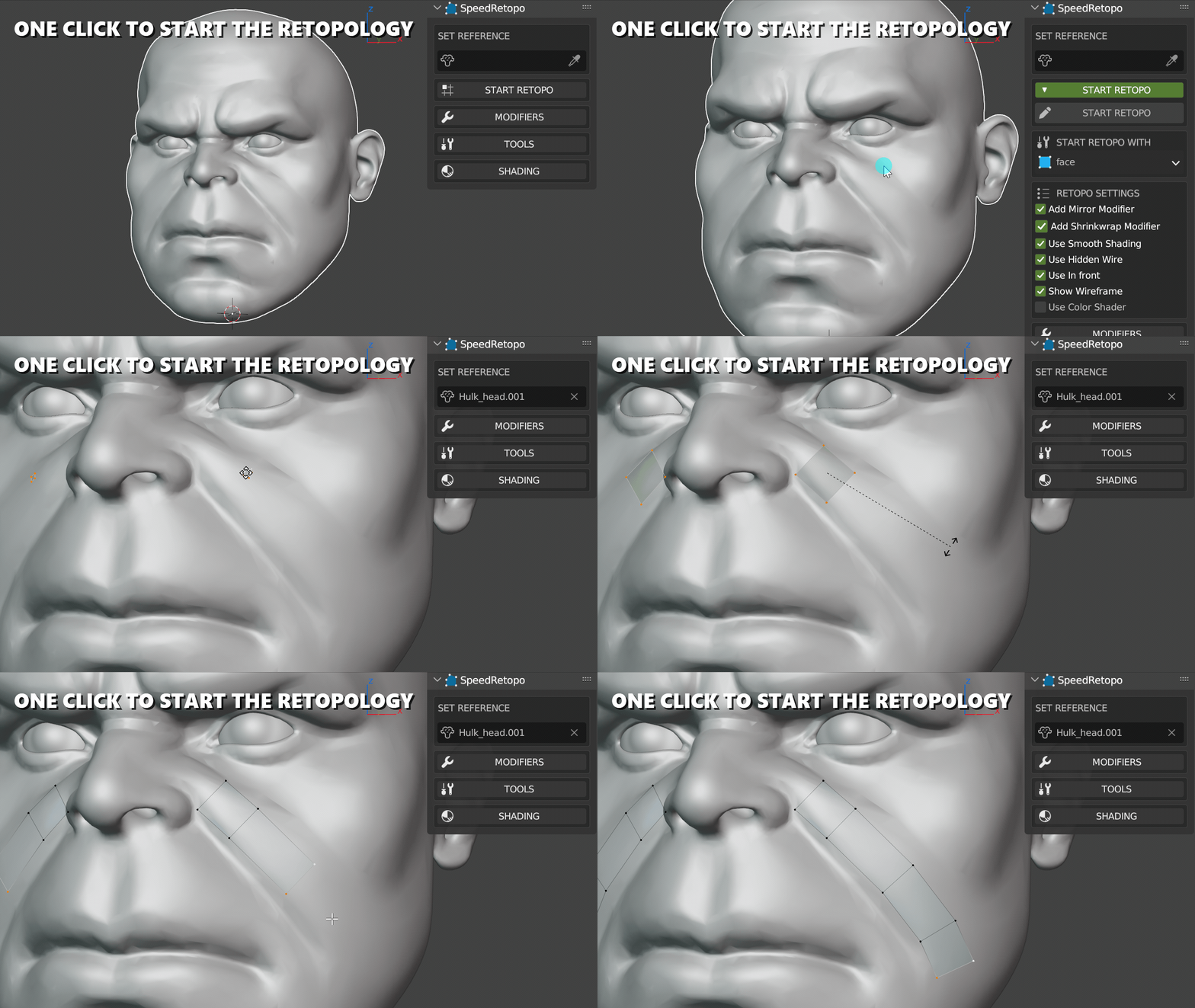
Initiate retopology instantly
Handles Shrinkwrap & Mirror
Relax, Align, Freeze & more
Configuration
Fully Customizable
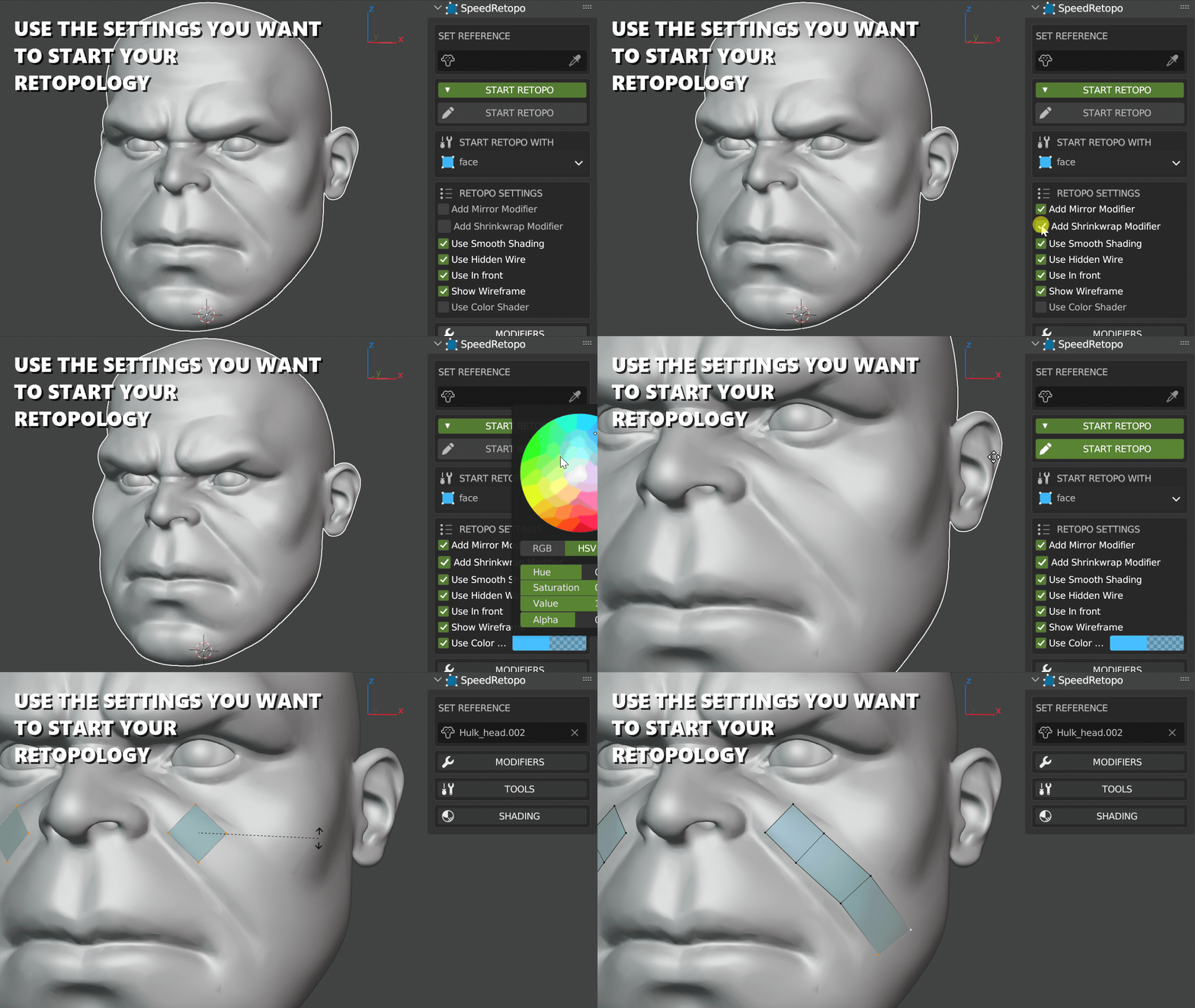
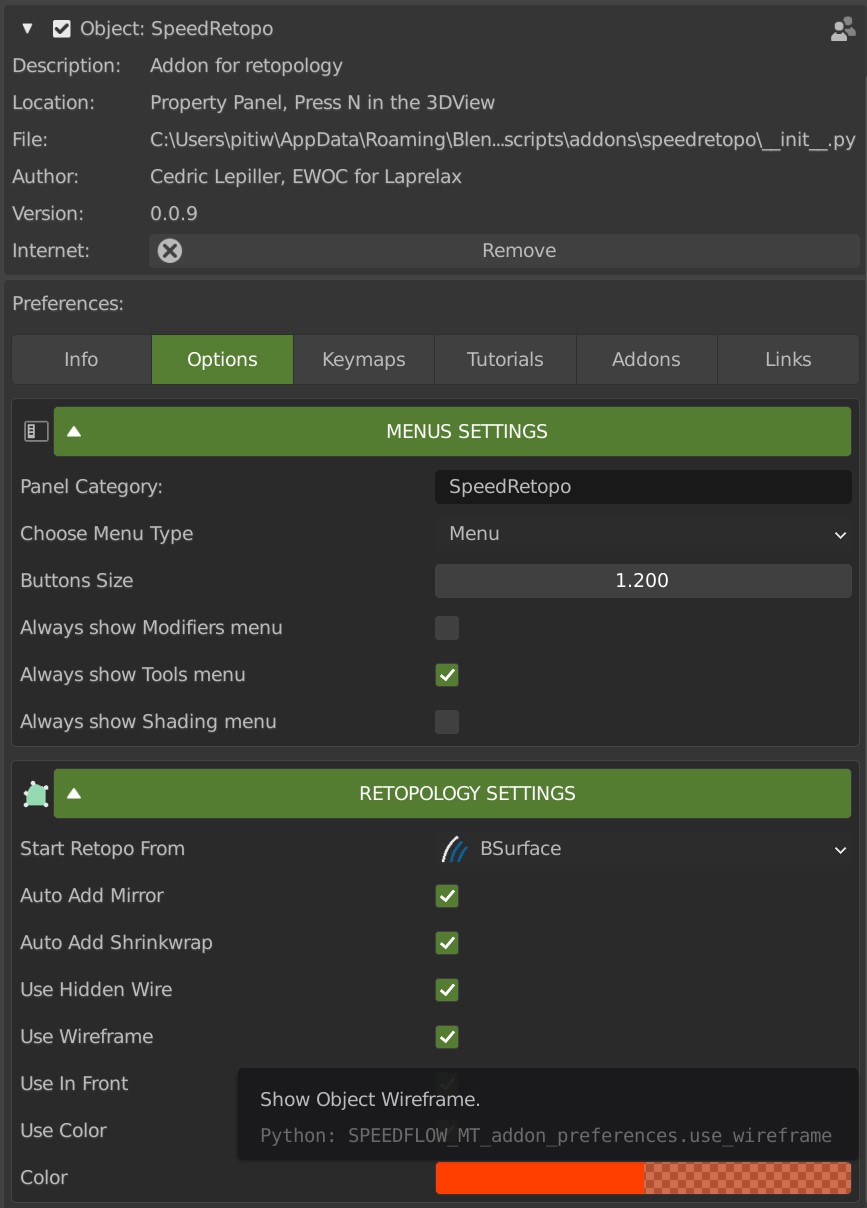
SpeedRetopo is designed to fit your habits. You can choose the exact settings and tools you want to use for your session.
Switch between Vertex Tool, Face Tool, Bsurface, or Polybuild depending on the task at hand.
Automation
Focus on your Job
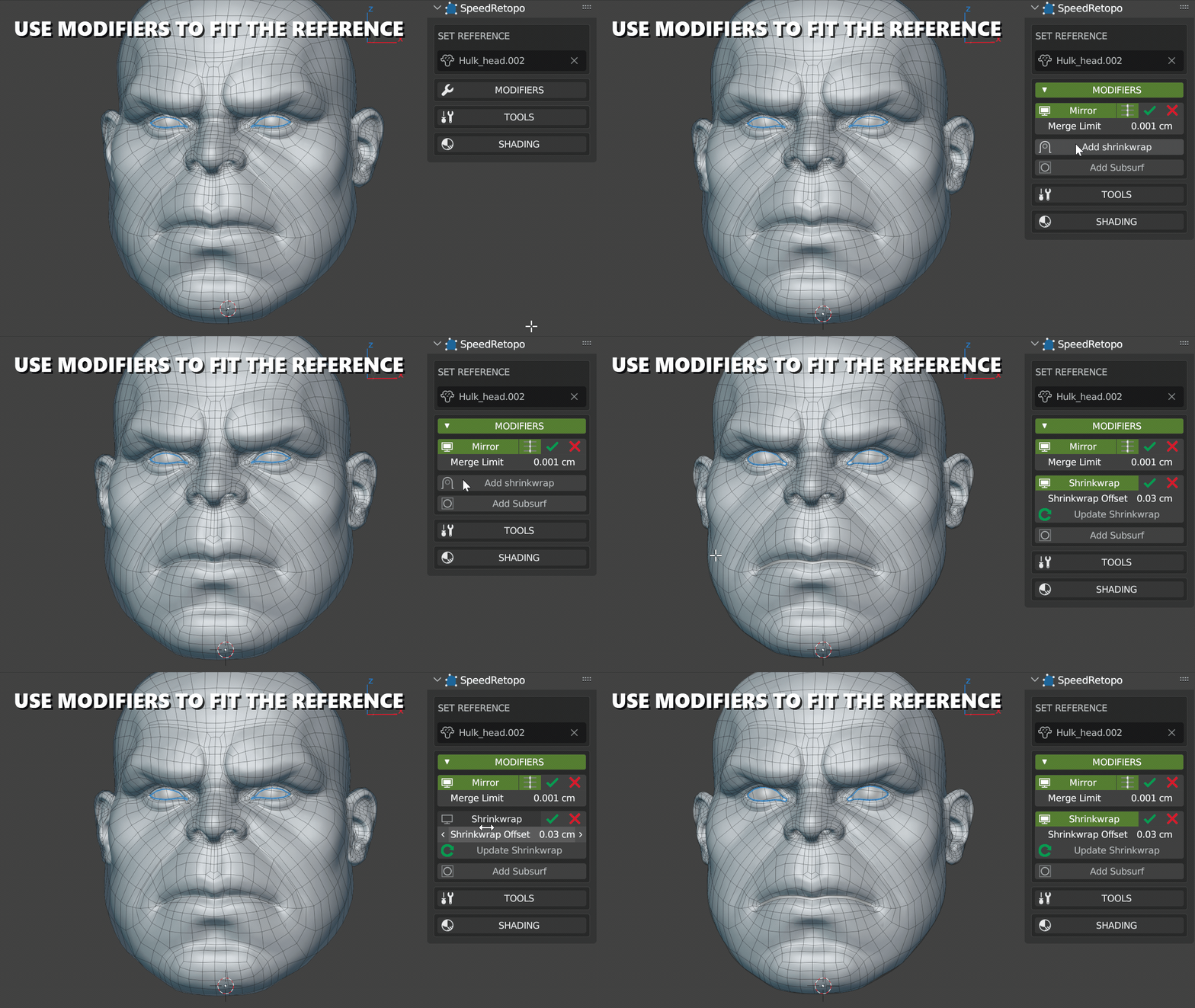
Stop fighting with Blender's modifier stack. SpeedRetopo automatically adds and manages necessary modifiers (Shrinkwrap, Mirror, etc.) so you can just concentrate on placing vertices.
Performance
Smart Decimation
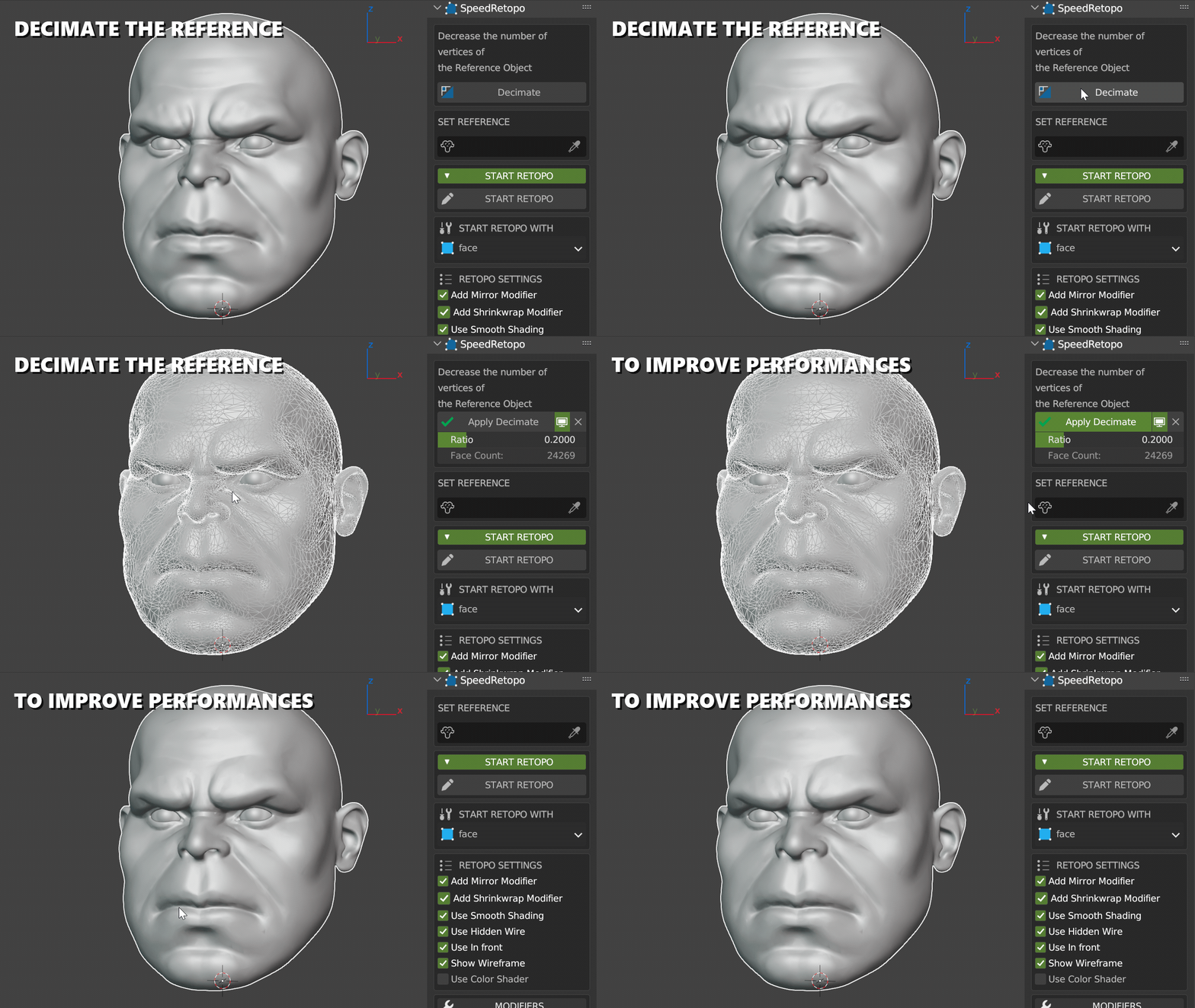
Retopologizing a heavy sculpt? SpeedRetopo allows you to create a decimated copy of your reference object automatically to improve viewport performance while keeping the details.
Editing
Advanced Toolset
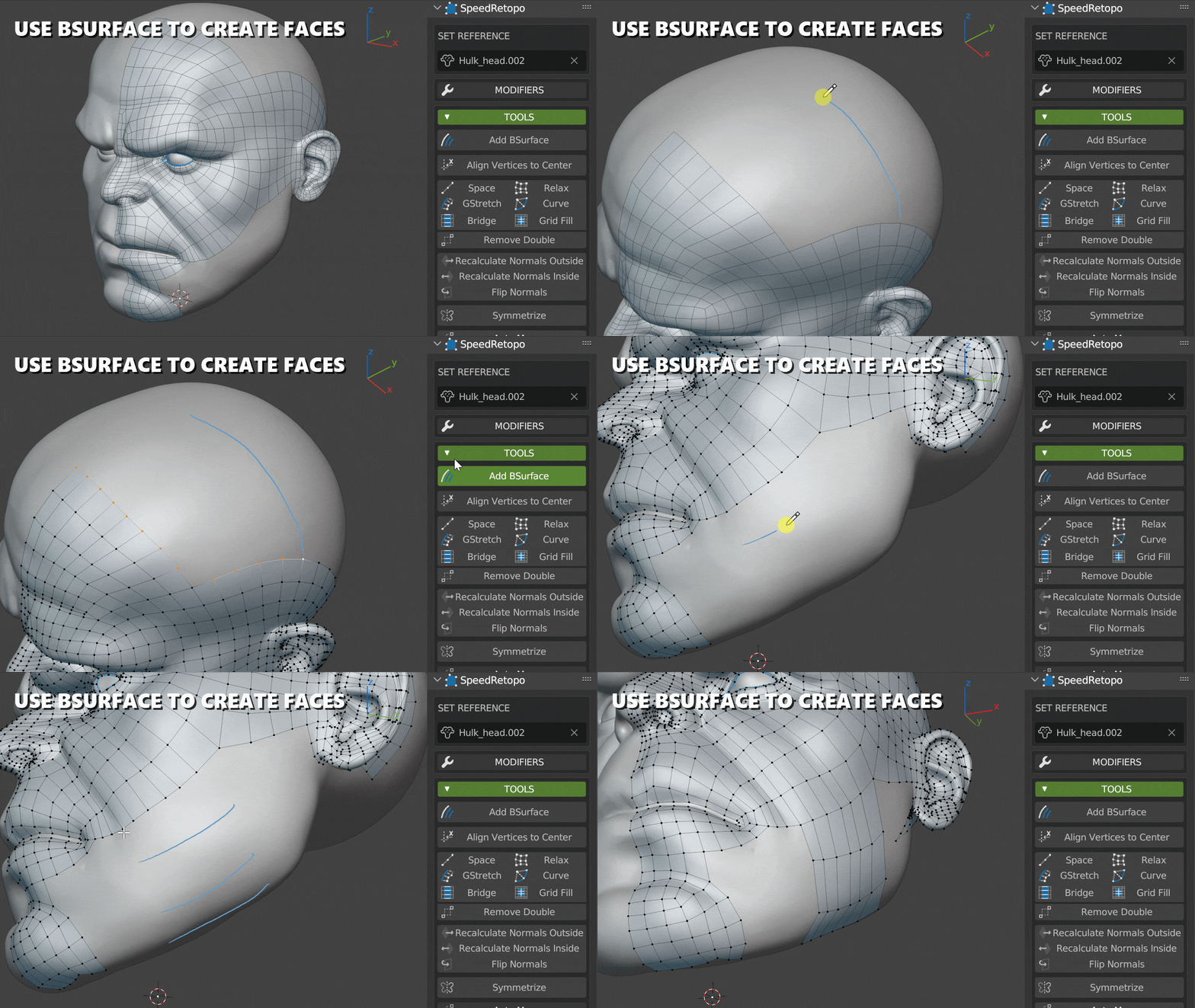
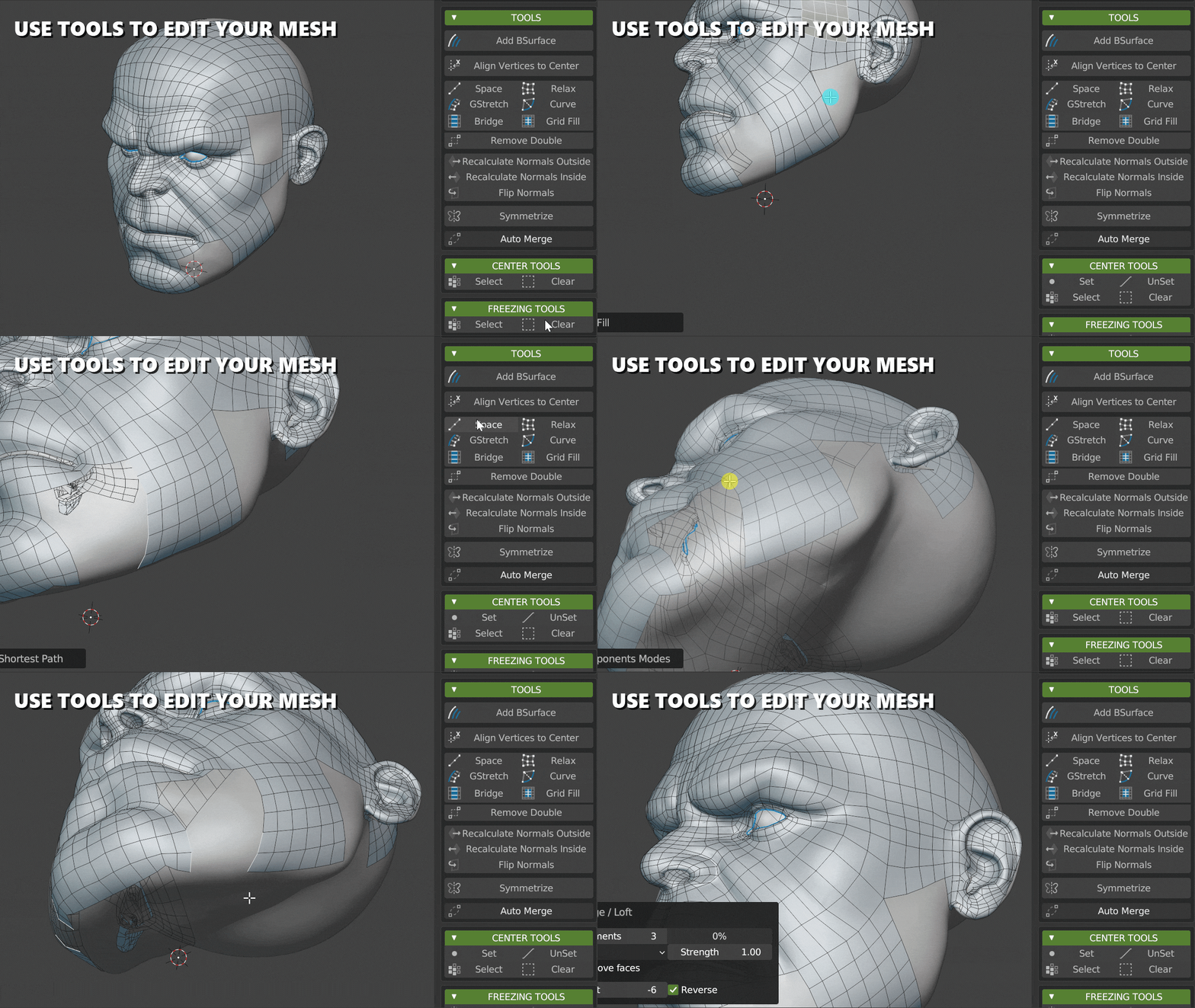
Access powerful tools directly. Use Bsurface for quick patching, or standard tools like LoopTools.
We also included custom exclusives like the Relax Tool to smooth out your wireframe instantly.
Precision
Center & Freeze
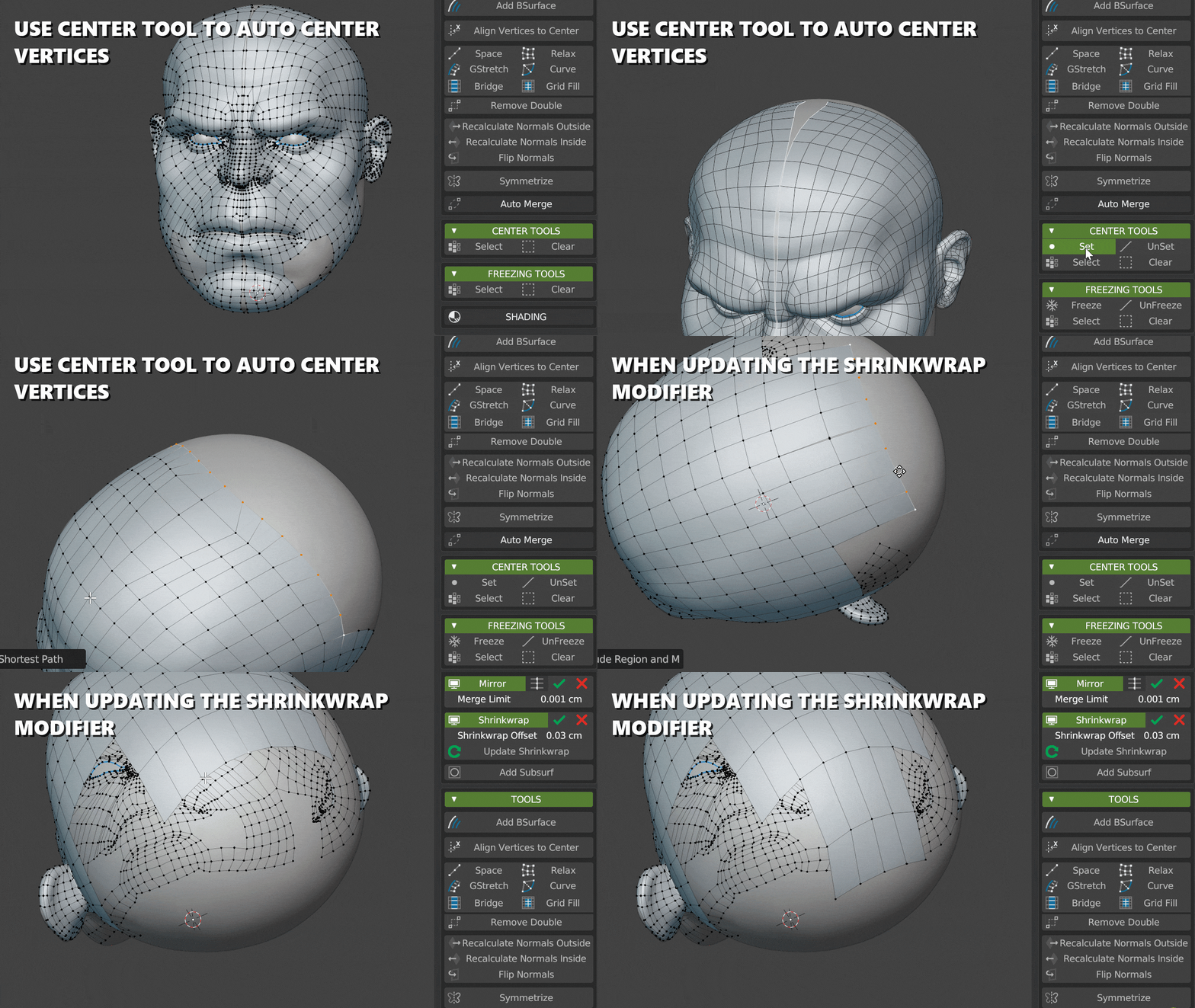
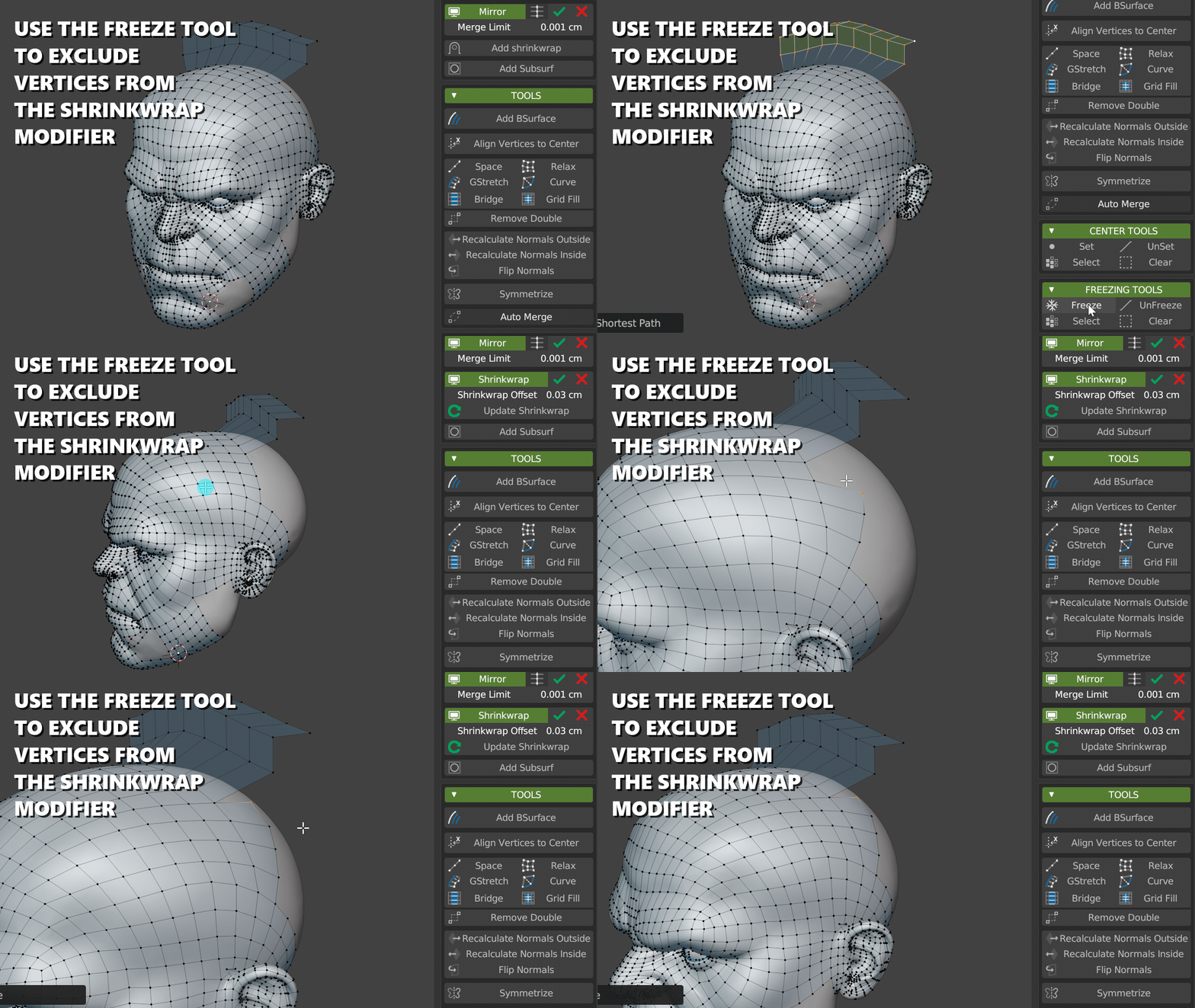
Keep control over your mesh. Use Center Tools to perfectly align vertices on the axis, and Freeze Tools to lock specific areas of your mesh during the process.
Visualization
Better Shading
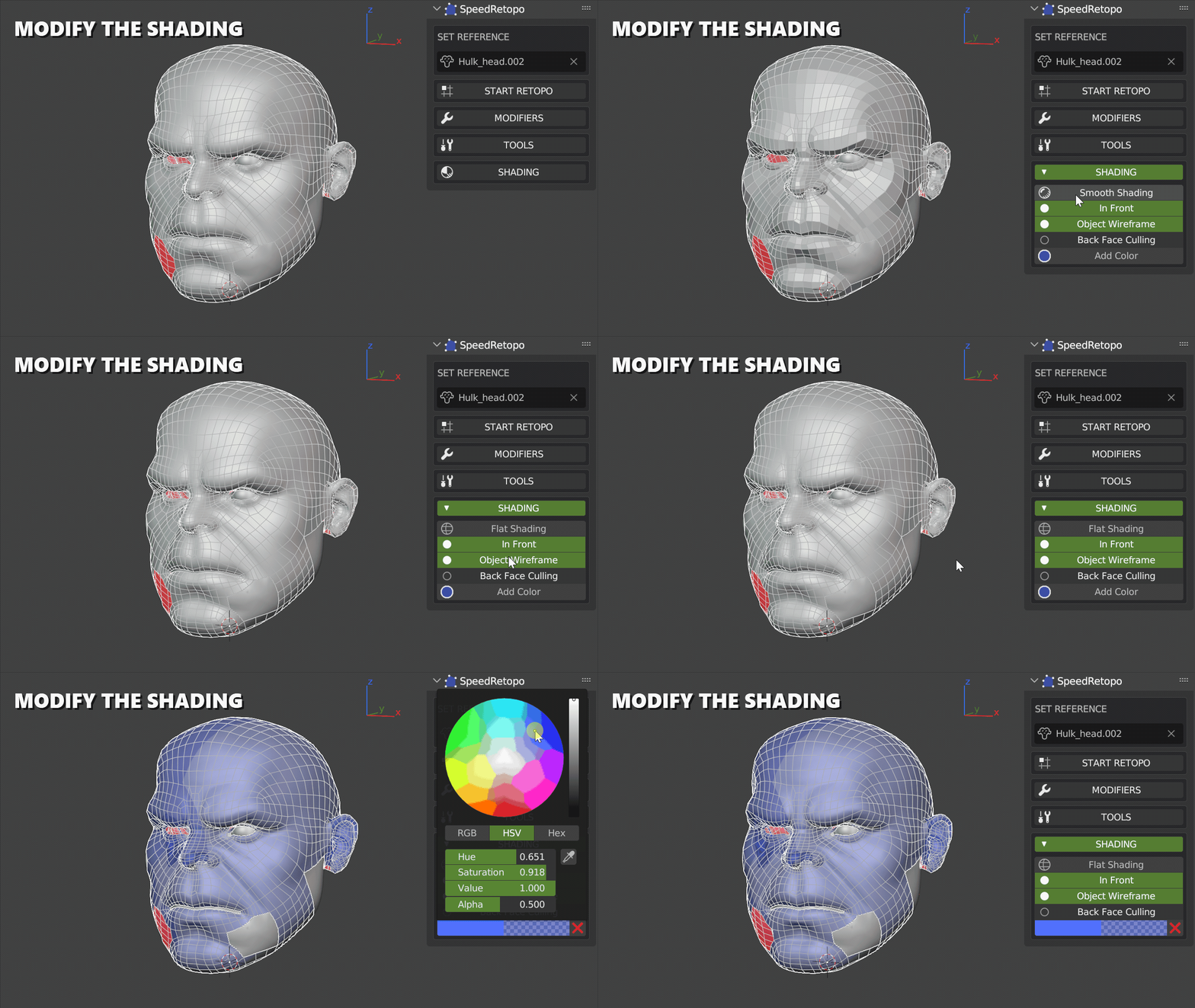
Seeing your wireframe on top of a sculpt can be tricky. SpeedRetopo offers dedicated shading options (Color, X-Ray, In Front) to enhance visualization and refinement.
Interface
Pie Menu or Panel
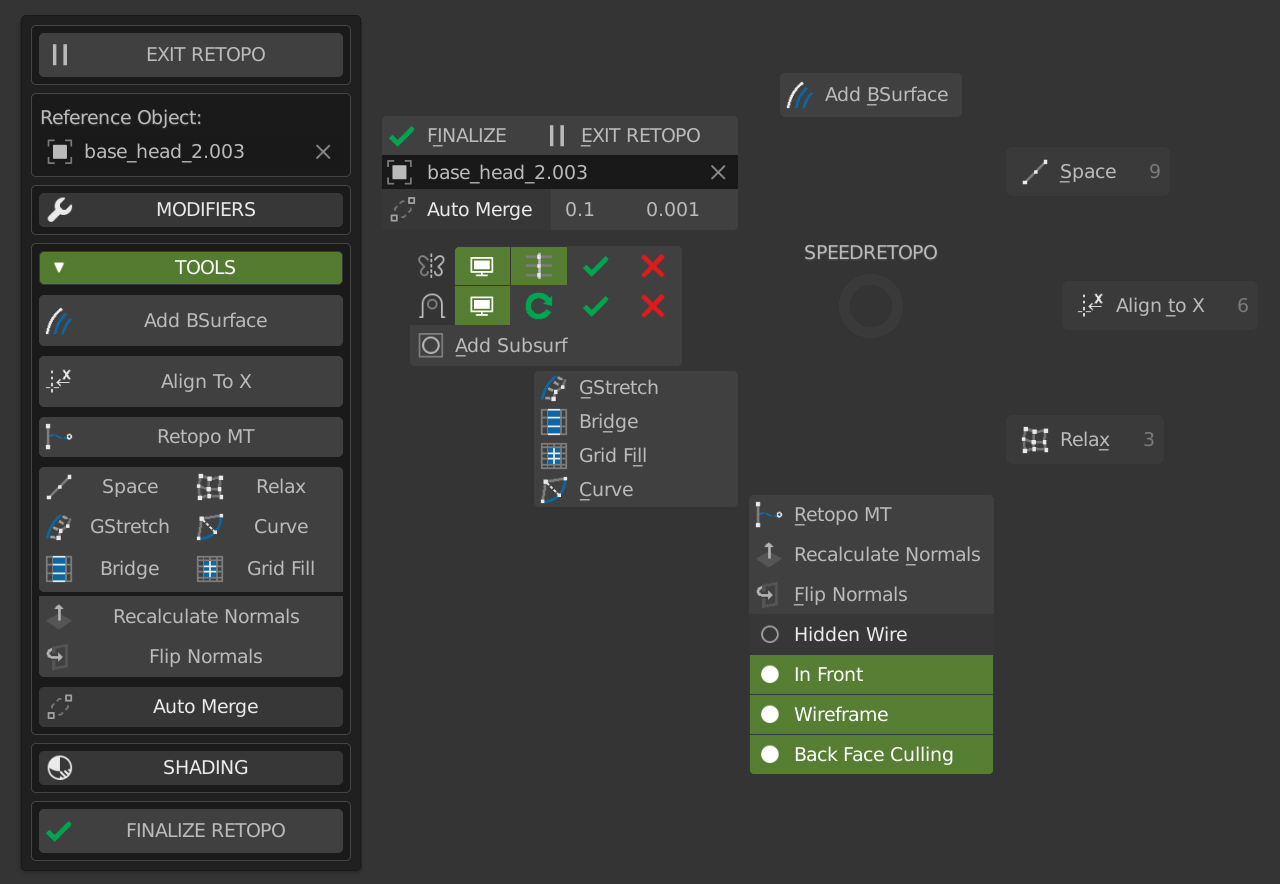
Customize your experience. Access all features via the N-Panel or a fast Pie Menu for a fullscreen workflow.
Ready to Retopo?
Ideal for both beginners and professionals, SpeedRetopo integrates seamlessly into Blender, enhancing productivity and simplifying the retopology process.