TOGGLE EDITORS
Seamlessly switch between editors in full-screen mode using customizable shortcuts. Enhance your productivity instantly.
Access 23 Blender Editors
Remembers UI settings
8 editors on 1 shortcut
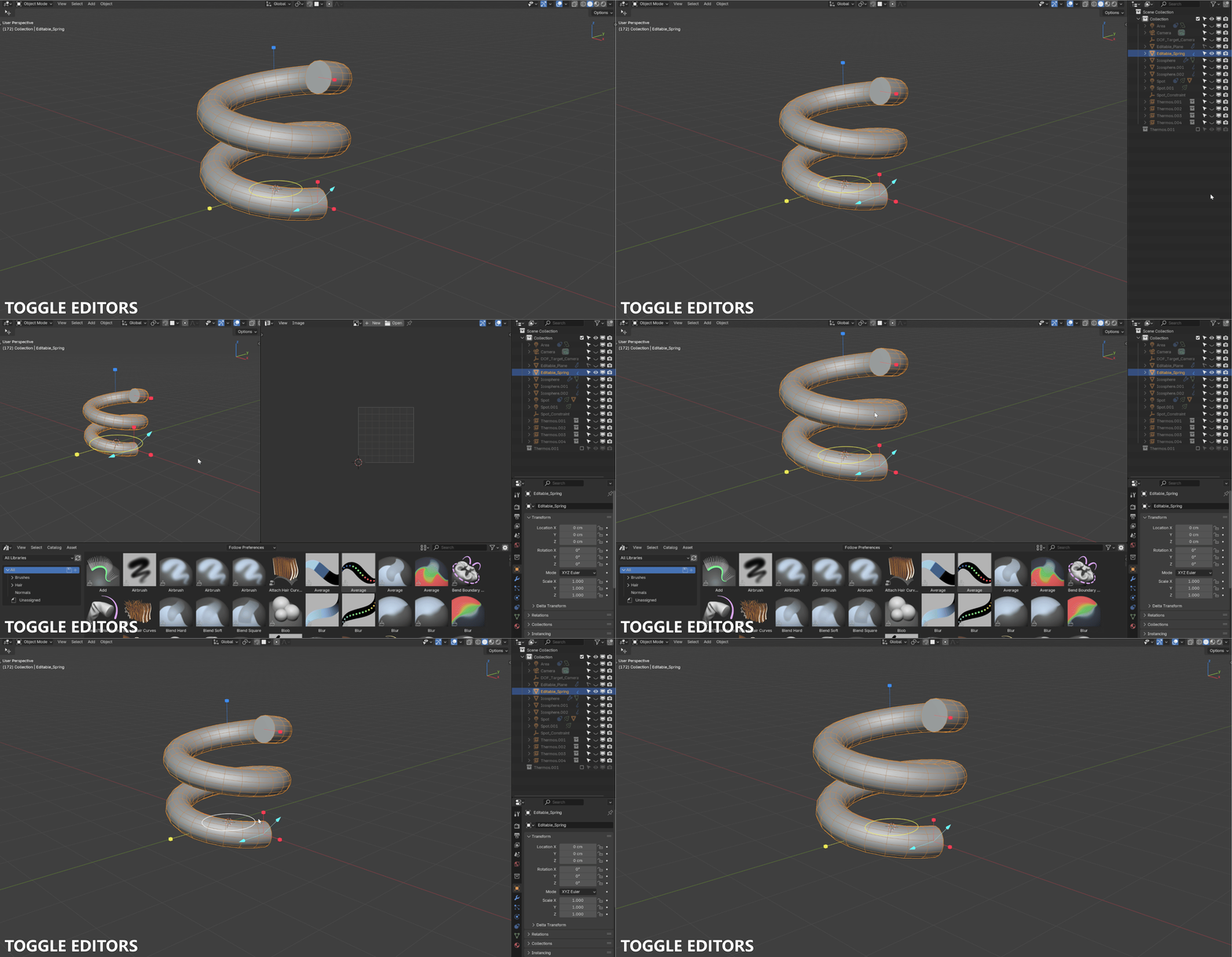
Workflow
Customizable Layouts
Define the position and size of each editor to suit your workflow. Whether you want a floating window or a split screen, you are in control.
Switch between editors effortlessly without disrupting your main viewport.
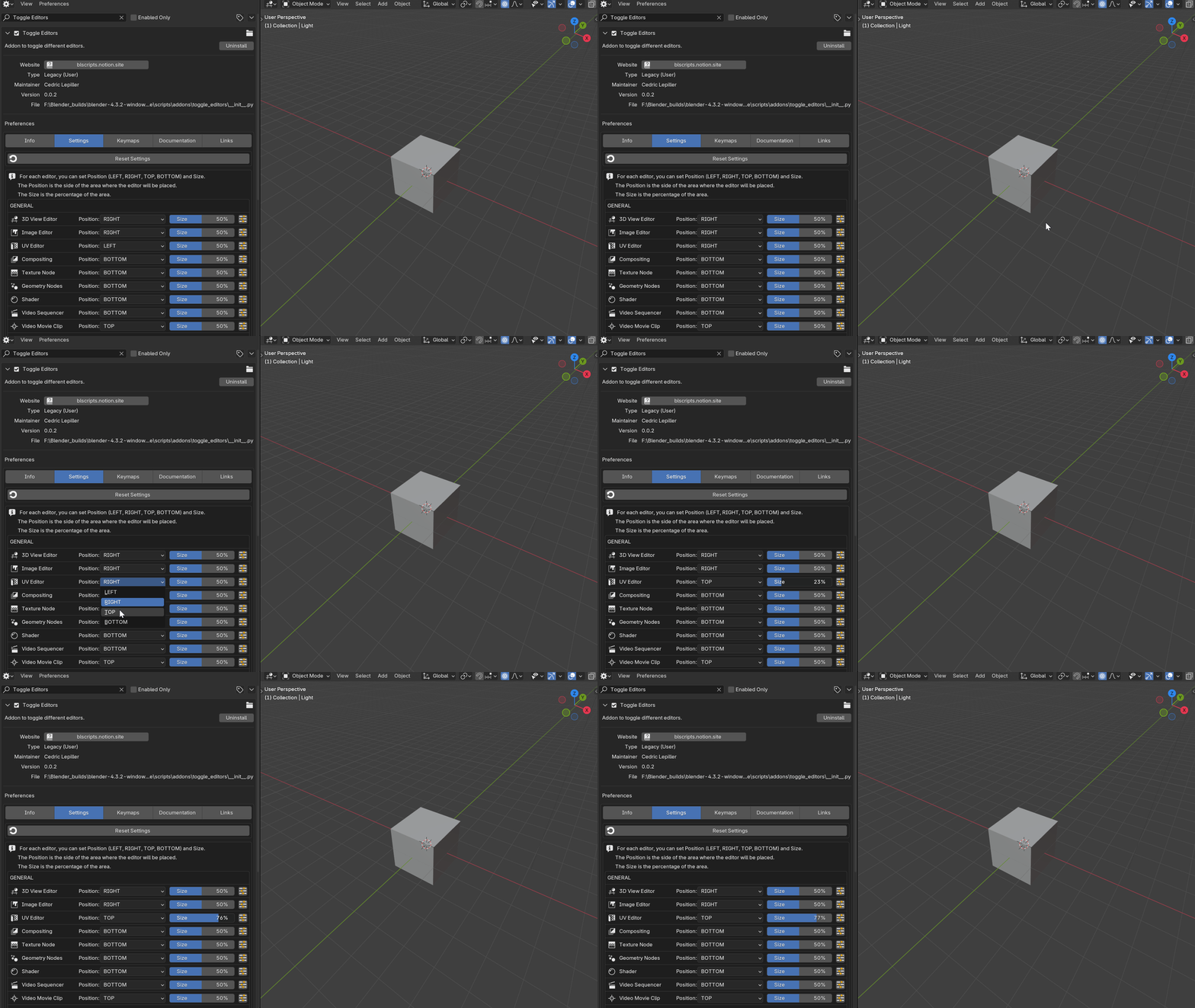
Intelligence
State Recall
Don't lose your context. The add-on automatically restores the previous state of an editor when reopened.
Zoom level, view mode, and specific panel settings are preserved for a seamless experience.
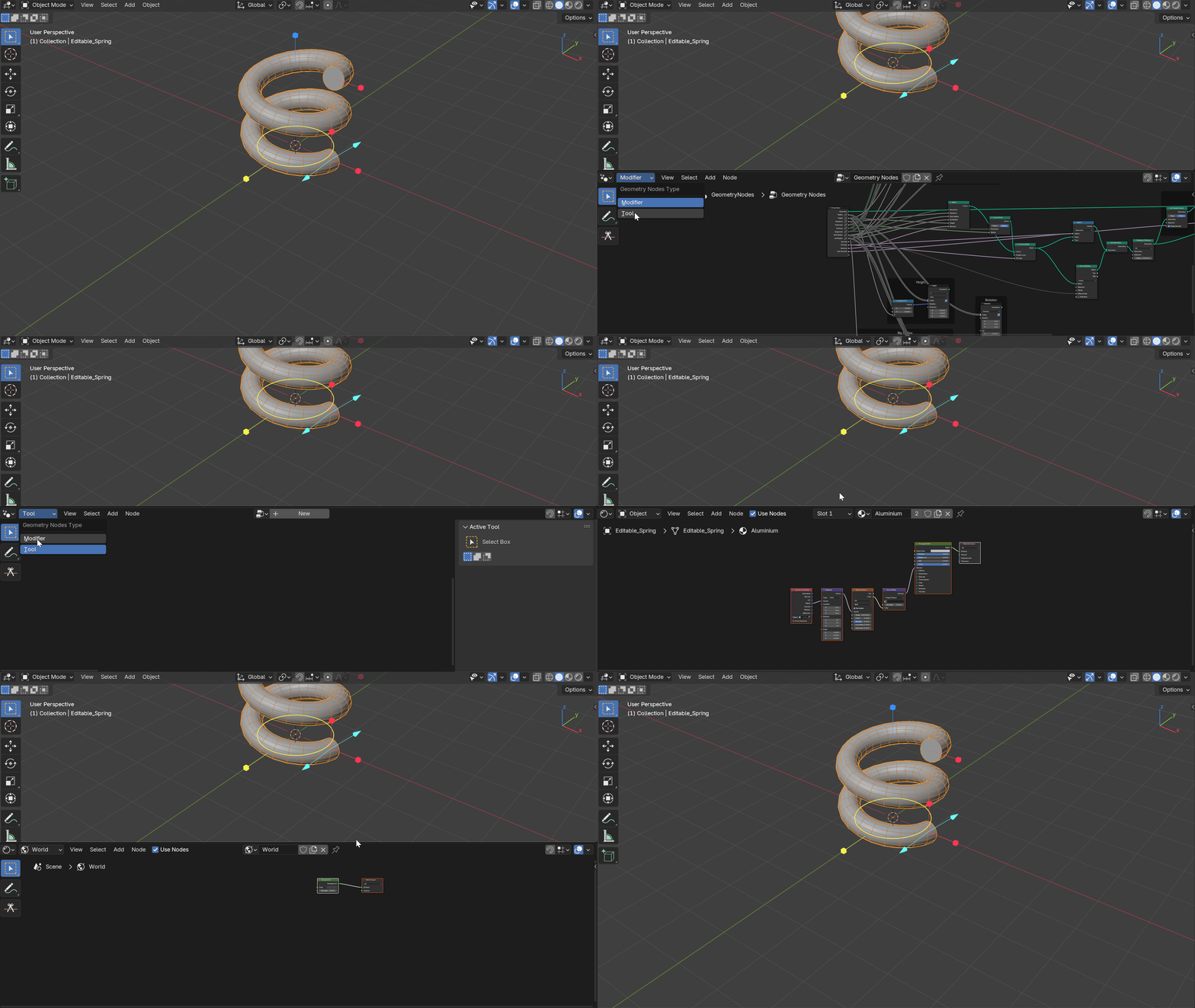
Configuration
Preferences & UI
You can set specific UI settings per editor when opening them for the first time.
Toggle header visibility, tool settings, or sidebar automatically based on which editor you are launching.
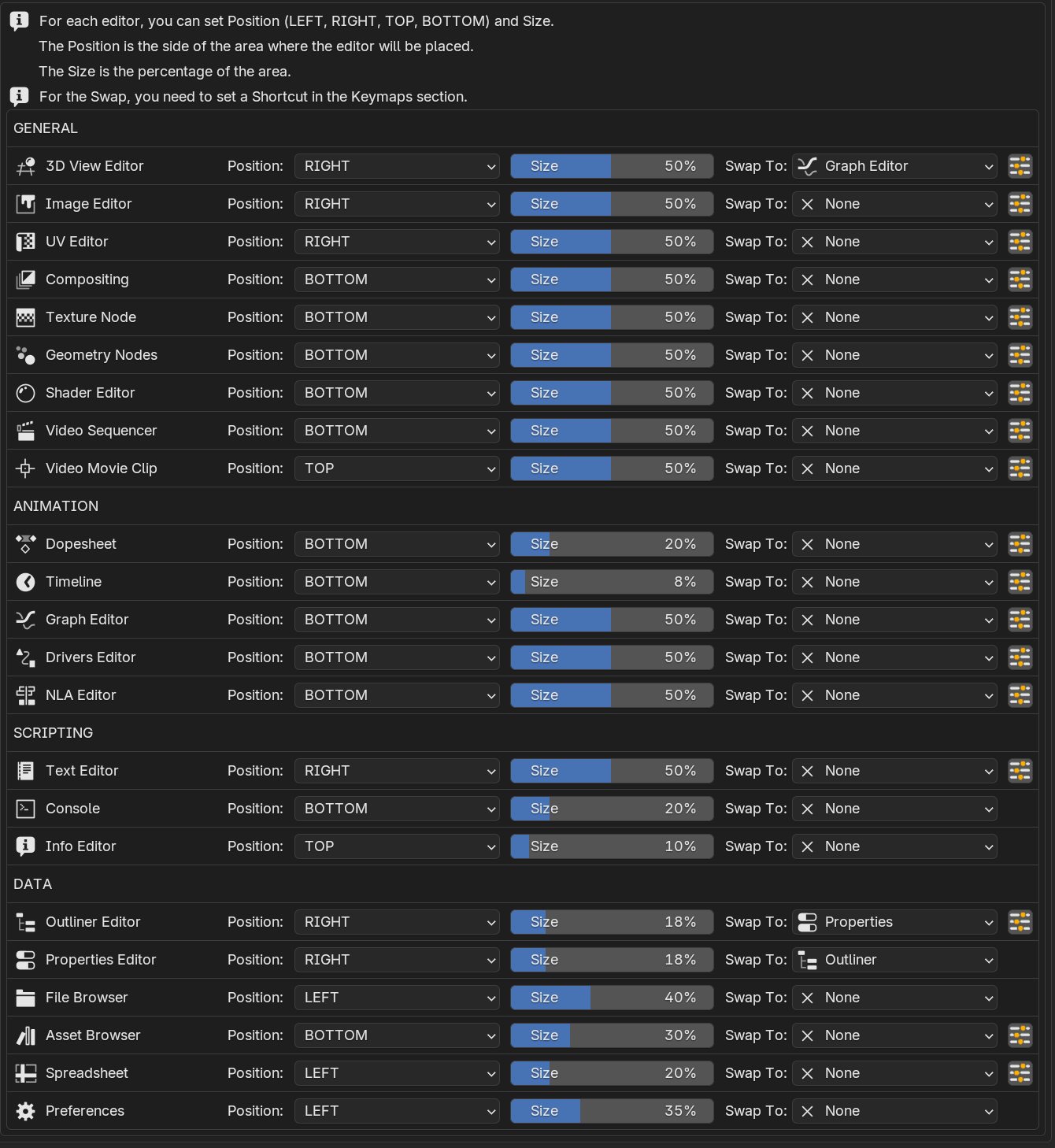
Complete Access
All 23 Editors
Access any of Blender's editors with personalized shortcuts. Shader Editor, Geometry Nodes, Timeline, Outliner... everything is just one keypress away.
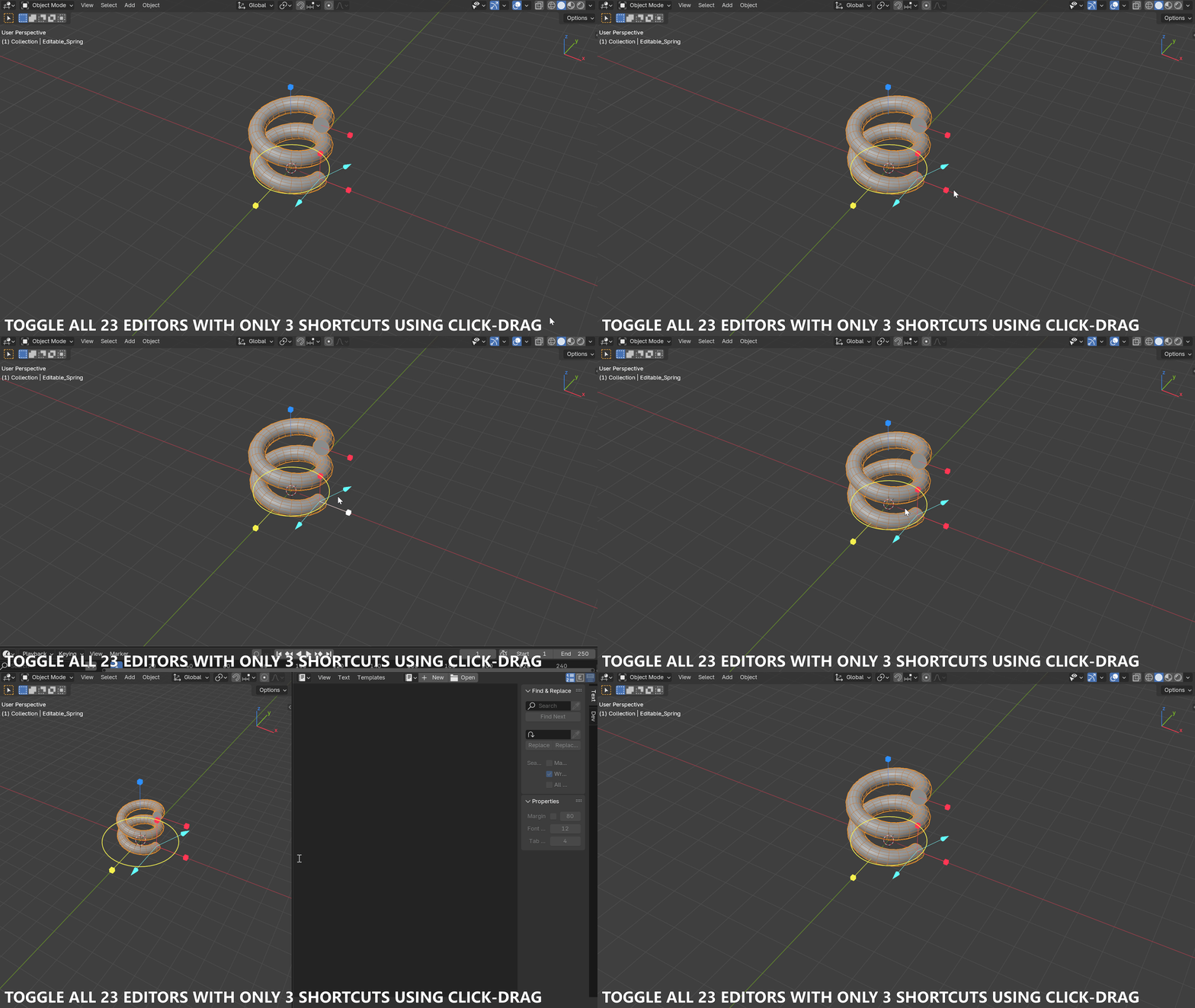
Efficiency
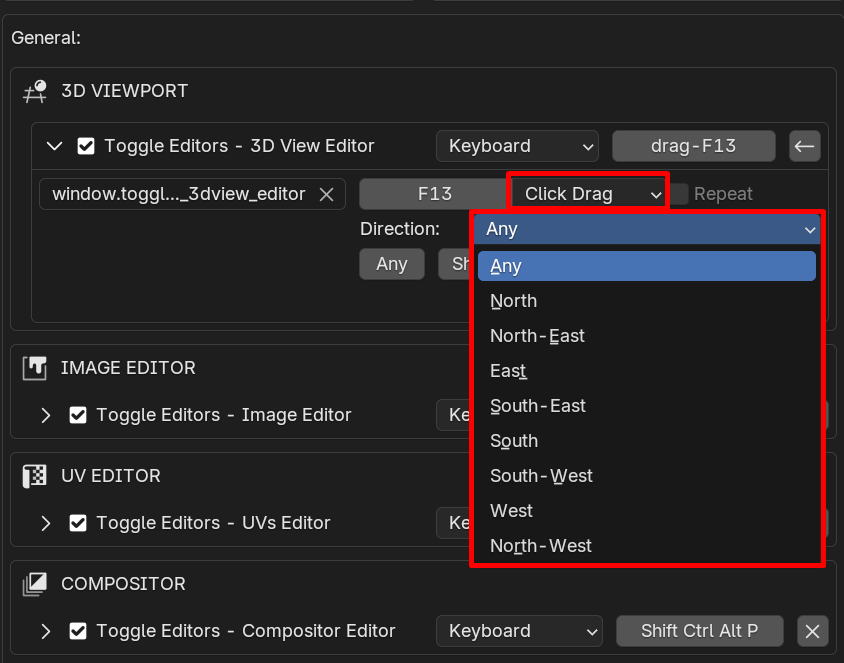
Click Drag Mode
Save keyboard space. Use the Click Drag Mode to assign up to 8 different editors to a single shortcut.
Just hold the key and drag your mouse in a direction to launch the corresponding editor instantly.
Get Started Today
Elevate your Blender workflow with Toggle Editors. Reduce time spent navigating the interface and focus on creation.