High-quality decals.Create fast. Stay in control.

Design in 2D, preview instantly with photoreal PBR, and keep editing—even after placement.

1 / 2   See Decal Workshop in action · Sound on

2 / 2   Watch a decal take shape · Timelapse

Swipe or scroll →12

Fast 2D creation

Build high-quality decals with editable 2D layers.

100% editable library assets

Edit layers and materials. Save your own variants.

Add. Replace. Refine.

Place decals, swap designs and keep editing.

Export to your workflow

DECALmachine, Speedsculpt and more.

01 / Create

Design in 2D.
See it instantly.

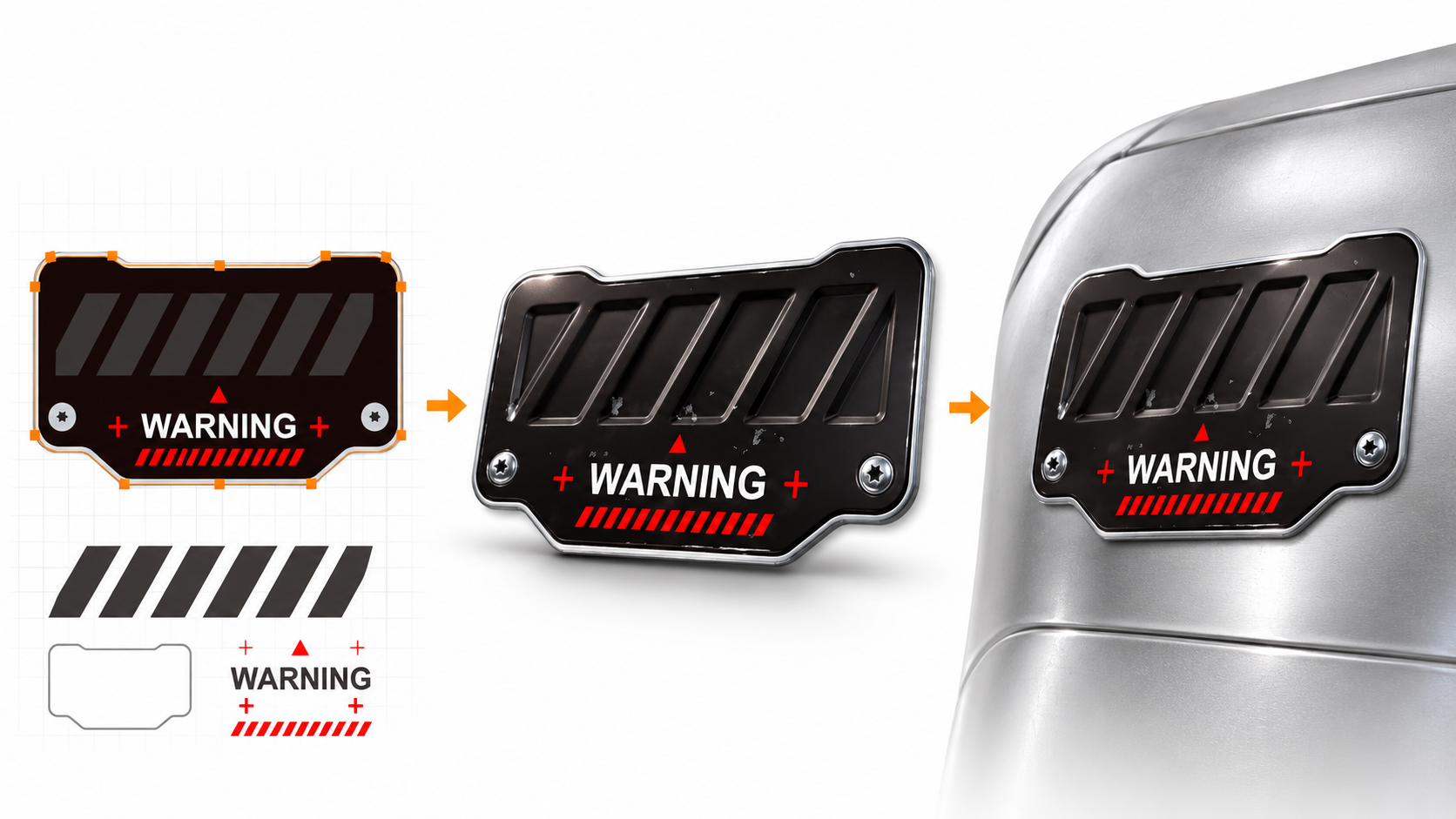
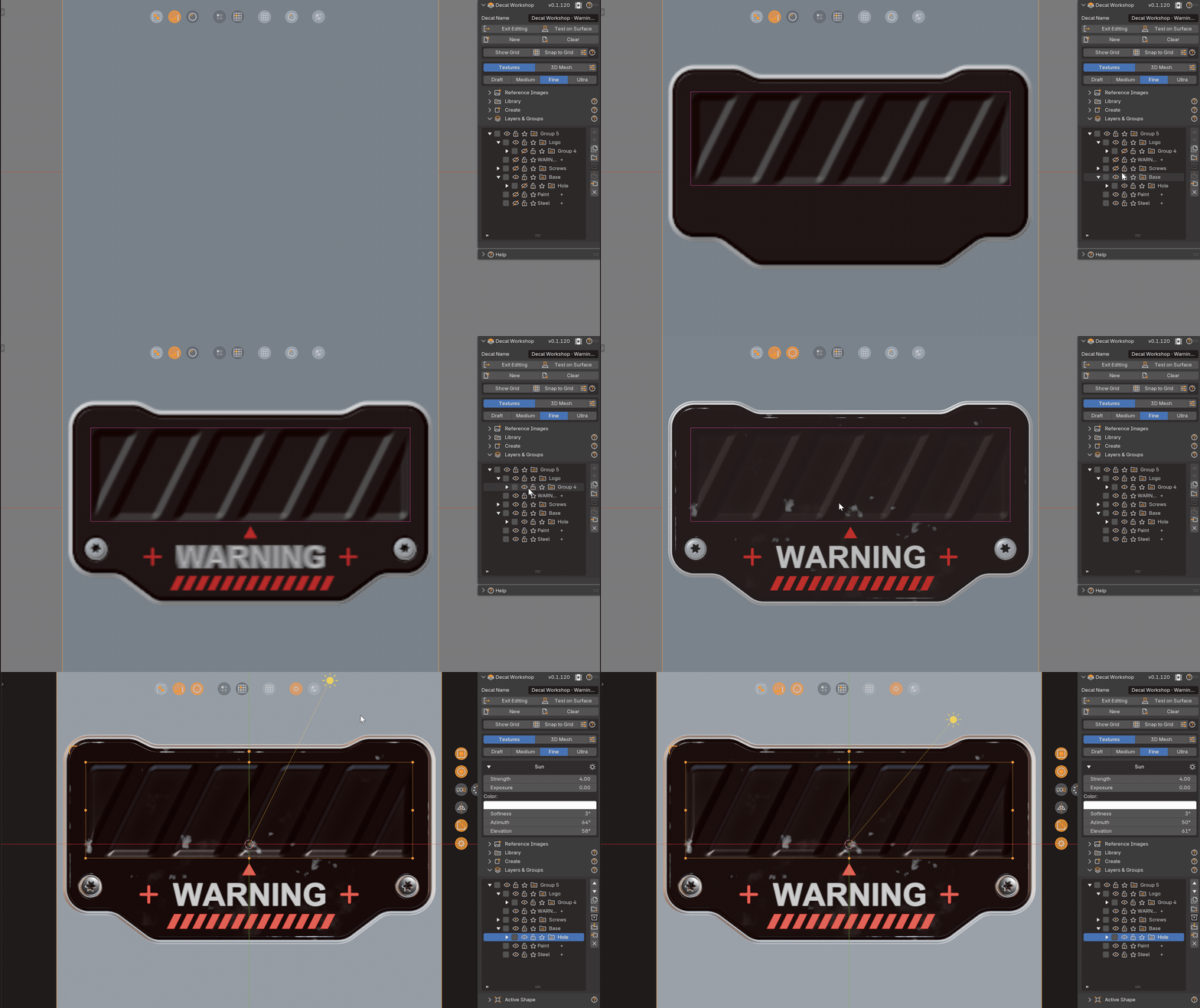
Build the WARNING panel from editable shapes, repeated details, and text. See its relief and materials take form in the PBR preview.

  • Shapes
  • Masks
  • Text
  • Repeat
A 2D design becomes a finished decal on a model

1 / 3   WARNING · From design to decal

Animated demonstration of relief updating while editing 2D layers

2 / 3   Live relief preview

Animated demonstration of drawing shapes and paths in Decal Workshop

3 / 3   Shapes & paths in action

Swipe or scroll →123

02 / Refine

Placed.
Still fully editable.

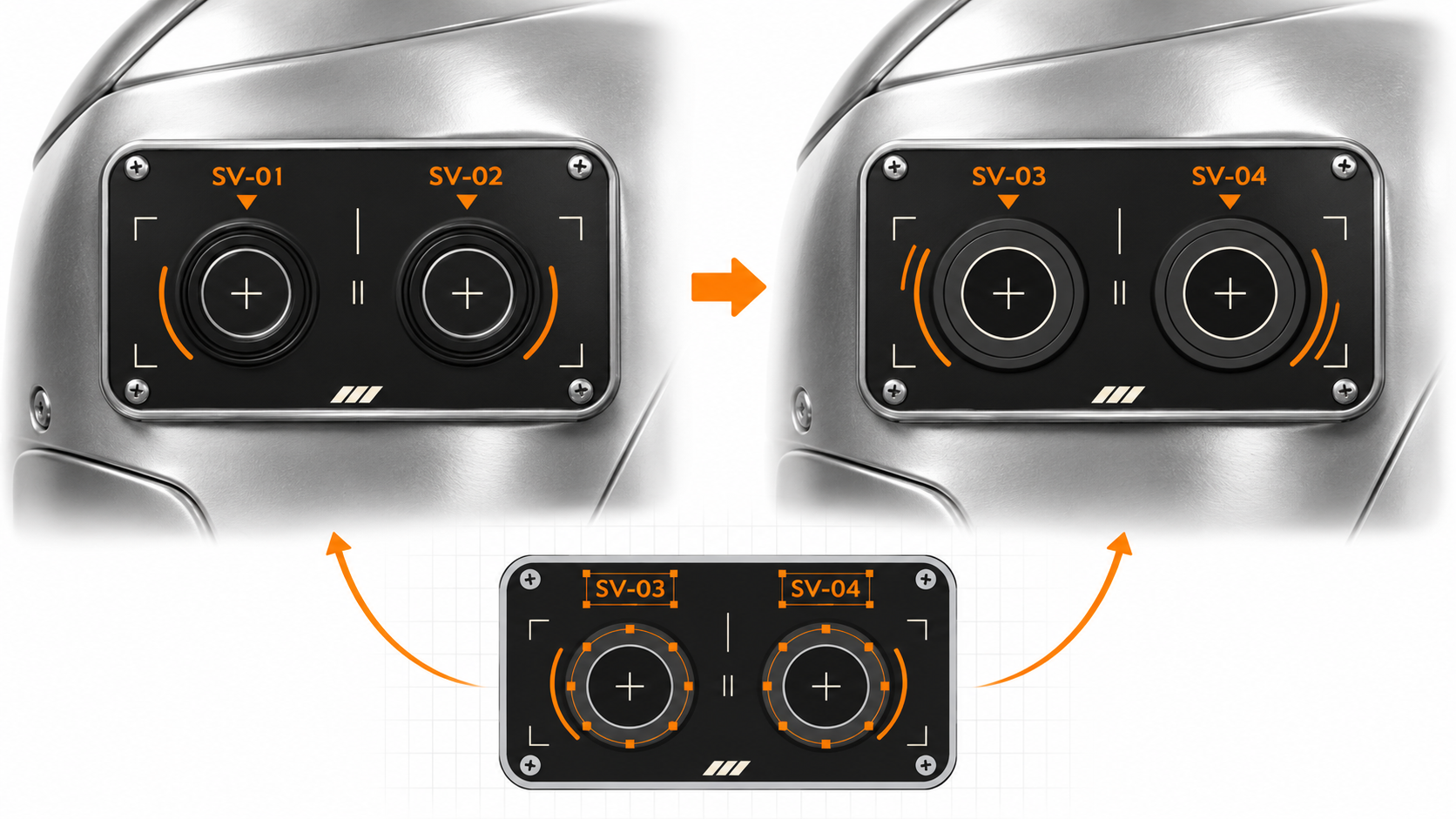
Adjust color, roughness and metallic after placement. Edit every layer of your library assets: shapes, markings, text and materials.

100% editable library assets
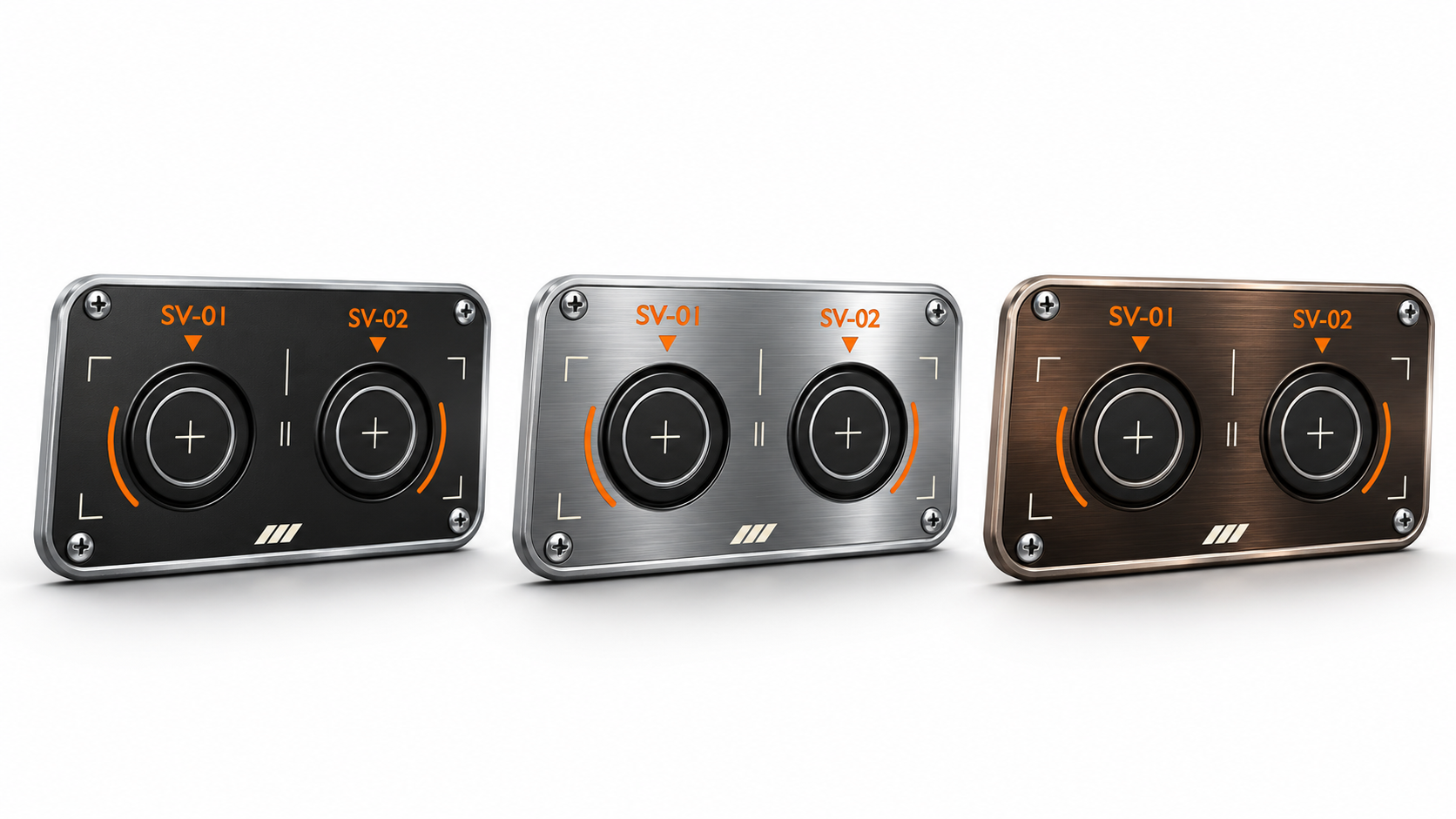
SV panel design variations while retaining placement

1 / 2   Placed. Still editable.

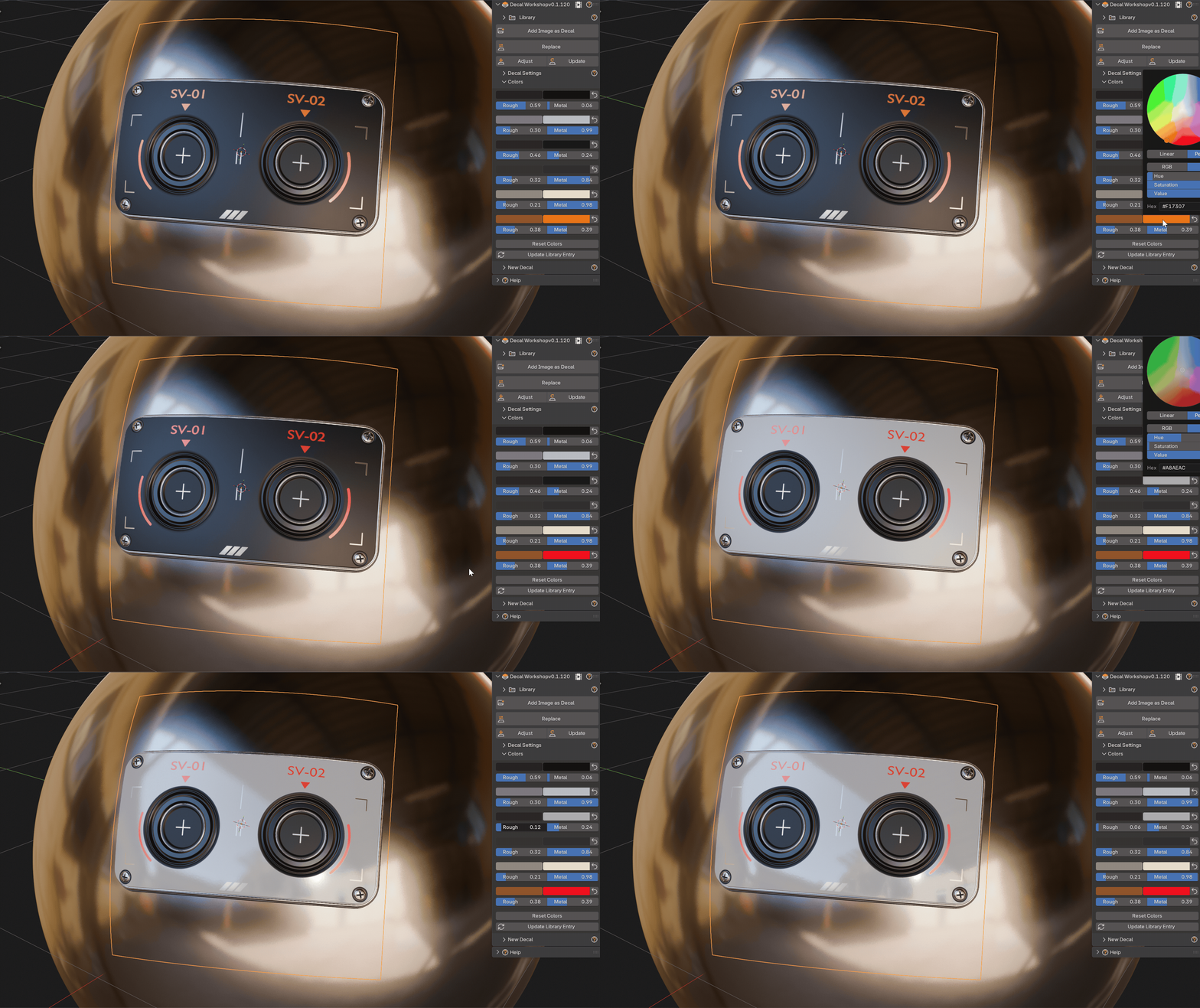
Animated demonstration of recoloring a placed decal

2 / 2   Change colors after placement

Swipe or scroll →12

03 / Materials

One design.
Your PBR finish.

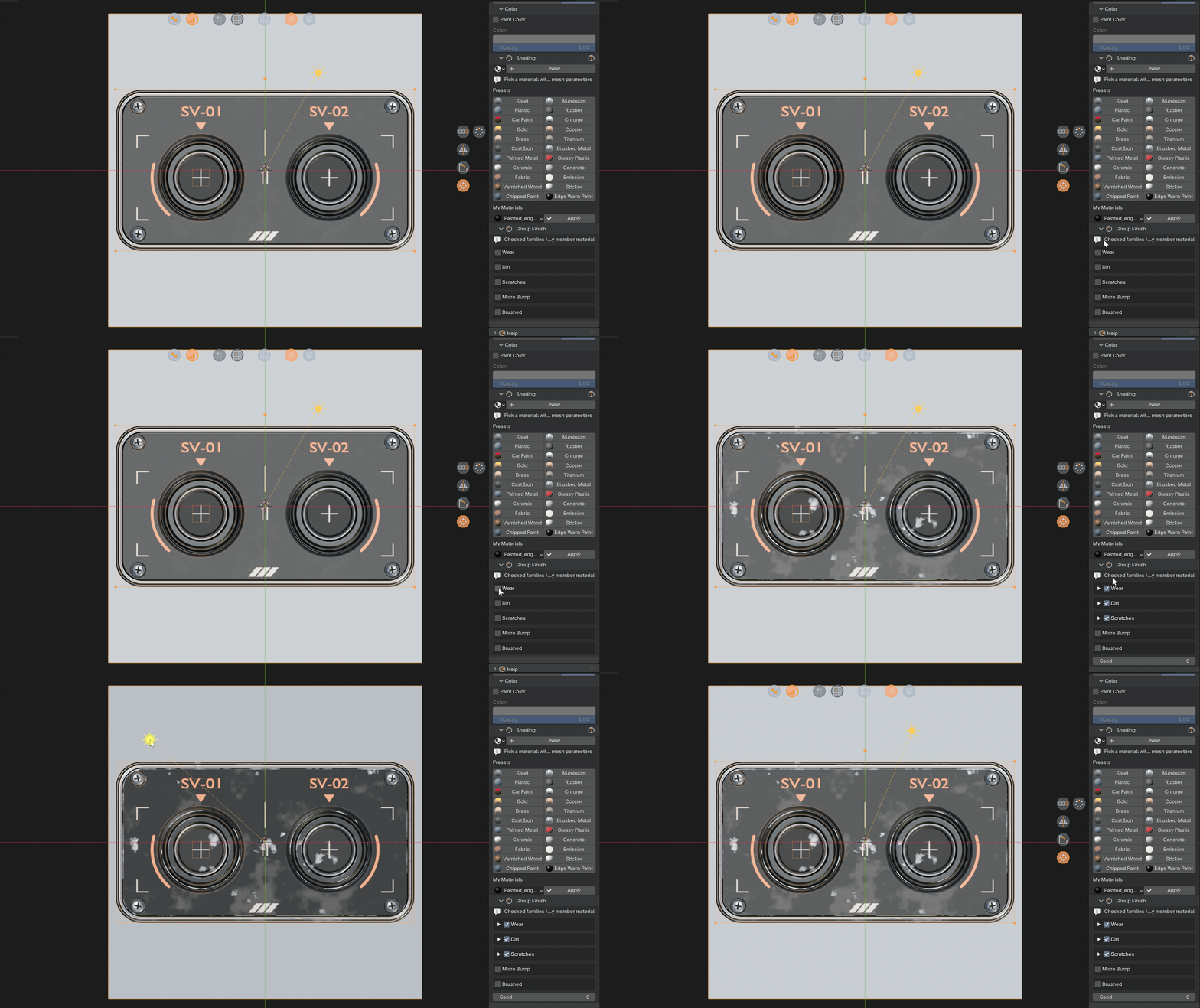
Fine-tune the SV panel's PBR finish on your model or in your library: color, metal, and roughness.

SV panel with different PBR finishes

1 / 3   One design. Your finish.

Animated demonstration of material finish, wear and dirt controls

2 / 3   Wear & dirt in action

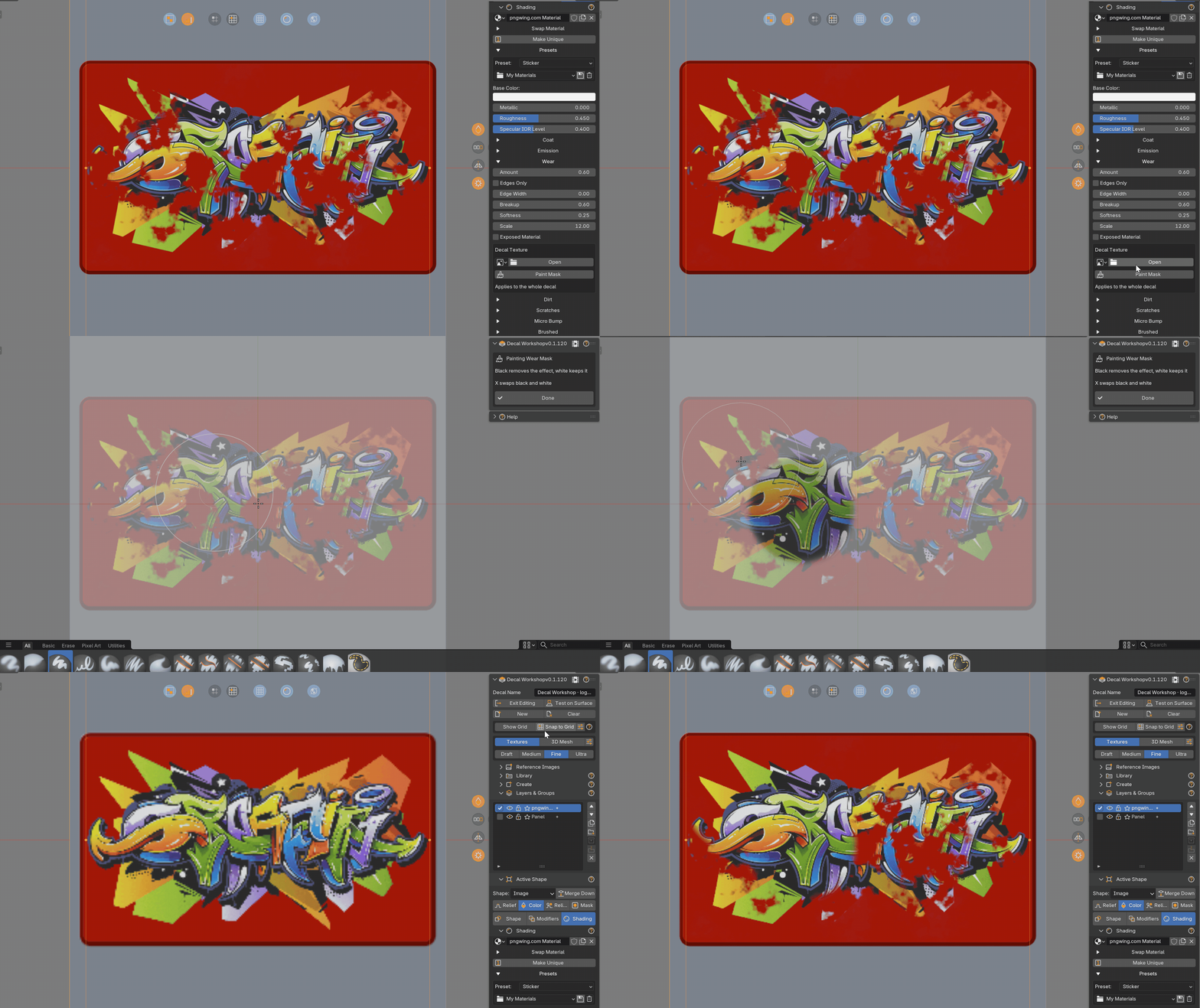
Animated demonstration of painting a material effect mask

3 / 3   Paint exactly where you want

Swipe or scroll →123

04 / Library

Your library.
Your variations.

Start with an existing decal. Modify its layers and materials, then save your own variant to reuse or share.

Pick a decal→Edit layers & materials→Save a variant

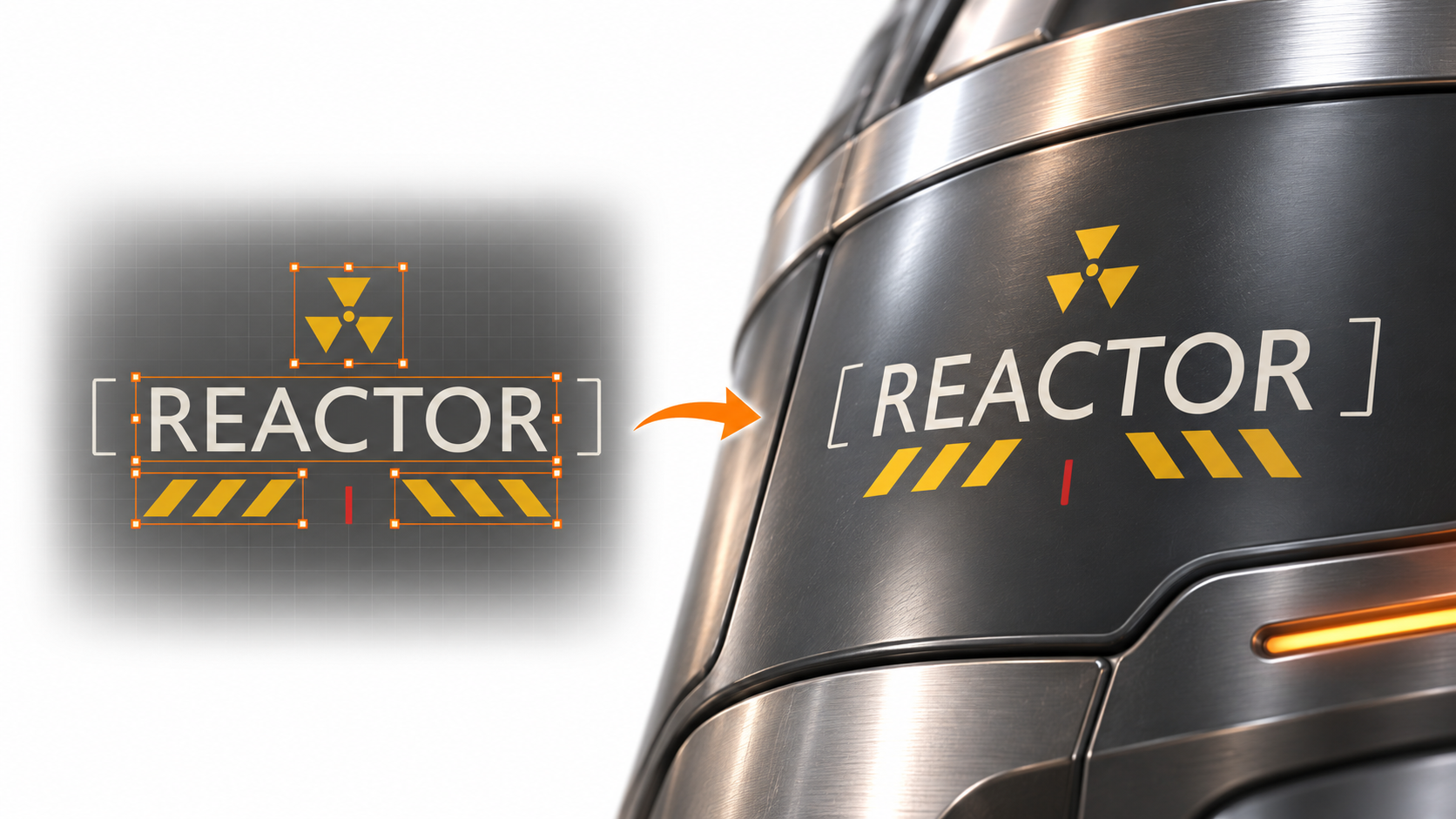
REACTOR surface marking design and finished result

1 / 3   From design to surface detail

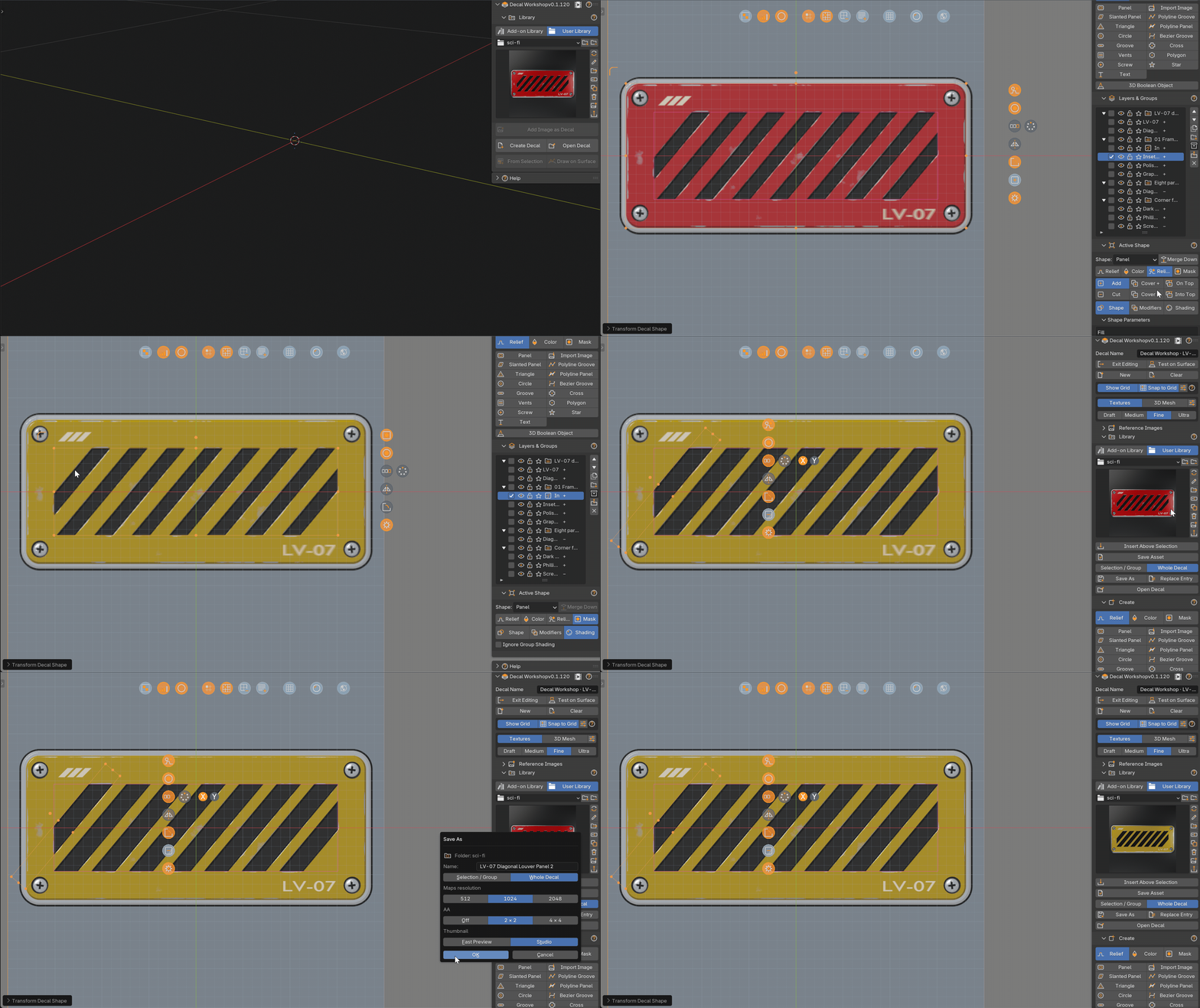
Animated demonstration of editing a library decal and saving a custom variant

2 / 3   Edit layers and materials. Save your variant.

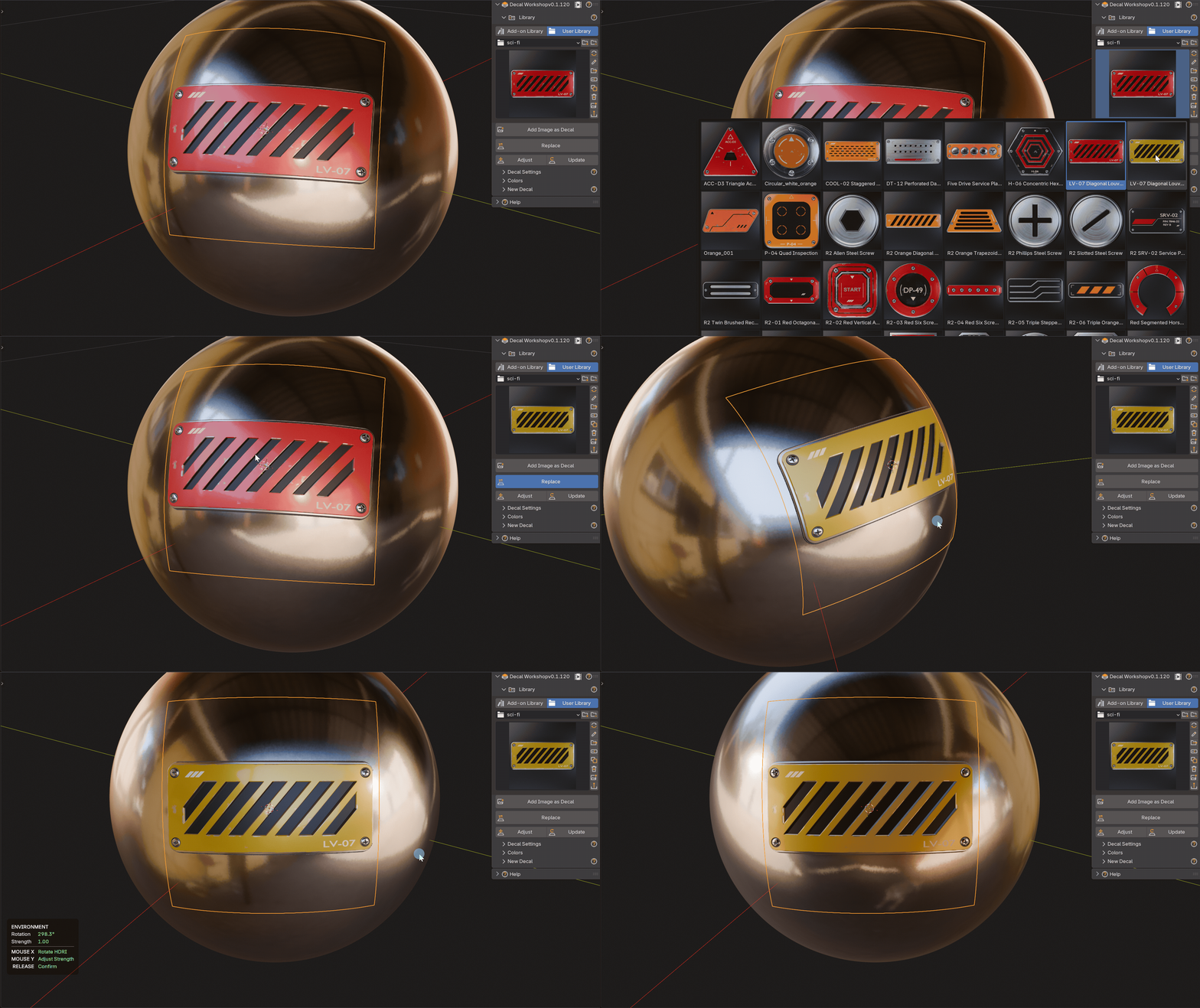
Animated demonstration of replacing a placed decal with another library asset

3 / 3   Replace a decal on your model

Swipe or scroll →123

05 / Export

Take your decals further.

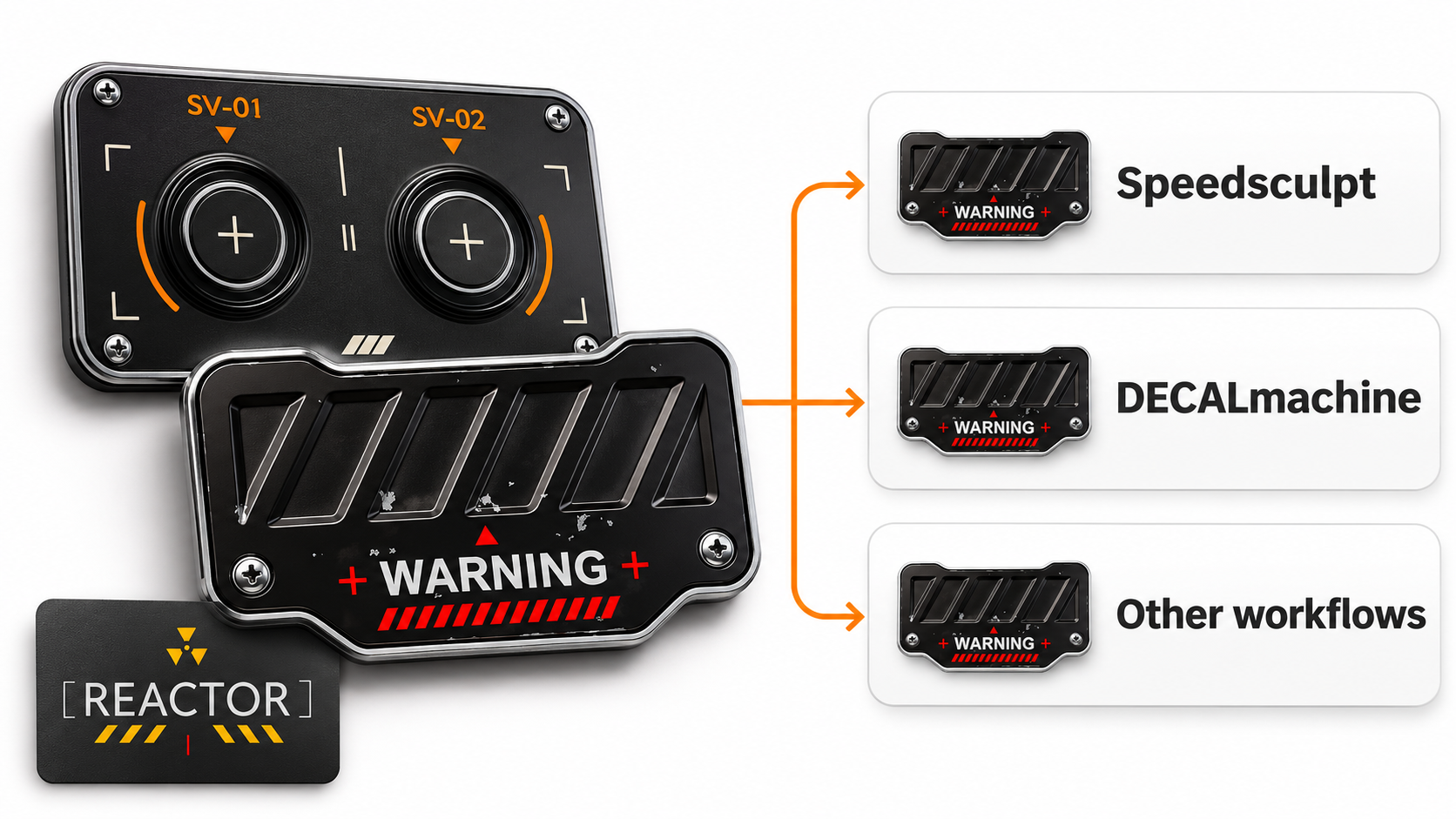
Export your original decals and custom variants for DECALmachine, Speedsculpt and other workflows.

SpeedsculptDECALmachine
Decal Workshop designs exported for Speedsculpt, DECALmachine and other workflows
Workflow preview

Free bonus

A sci-fi decal pack. Included free.

Ready to use. Fully editable. Make it your own.
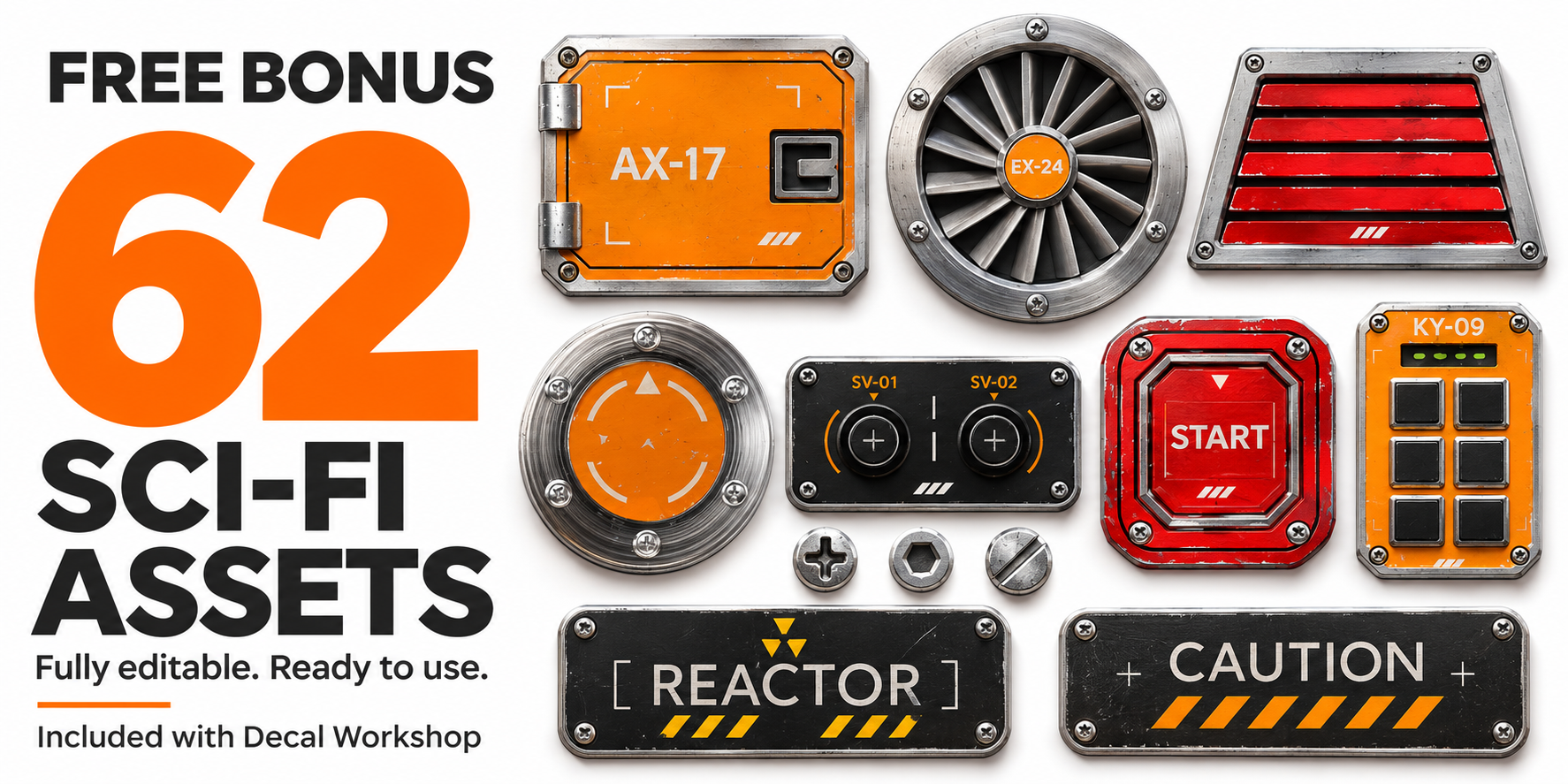
Free bonus: 62 fully editable sci-fi decal assets included with Decal Workshop
Decal Workshop · For BlenderWorkflow previews