Decal from Selection
 From Selection turns faces or edges of your mesh into a decal canvas. The pattern of your selection becomes the drawing area, so the decal fits the exact shape of the part of the model you picked.
Use it to make panels that match a face region, with holes cut out, or grooves that follow a chain of edges.
How to create a decal from a selection
- Select your object and enter Edit Mode (Tab).
- Select faces or edges.
- In the Decal Workshop tab, click From Selection (next to Create Decal and Open Decal).
You can also right click in the viewport and use the entry in the Edit Mesh context menu.
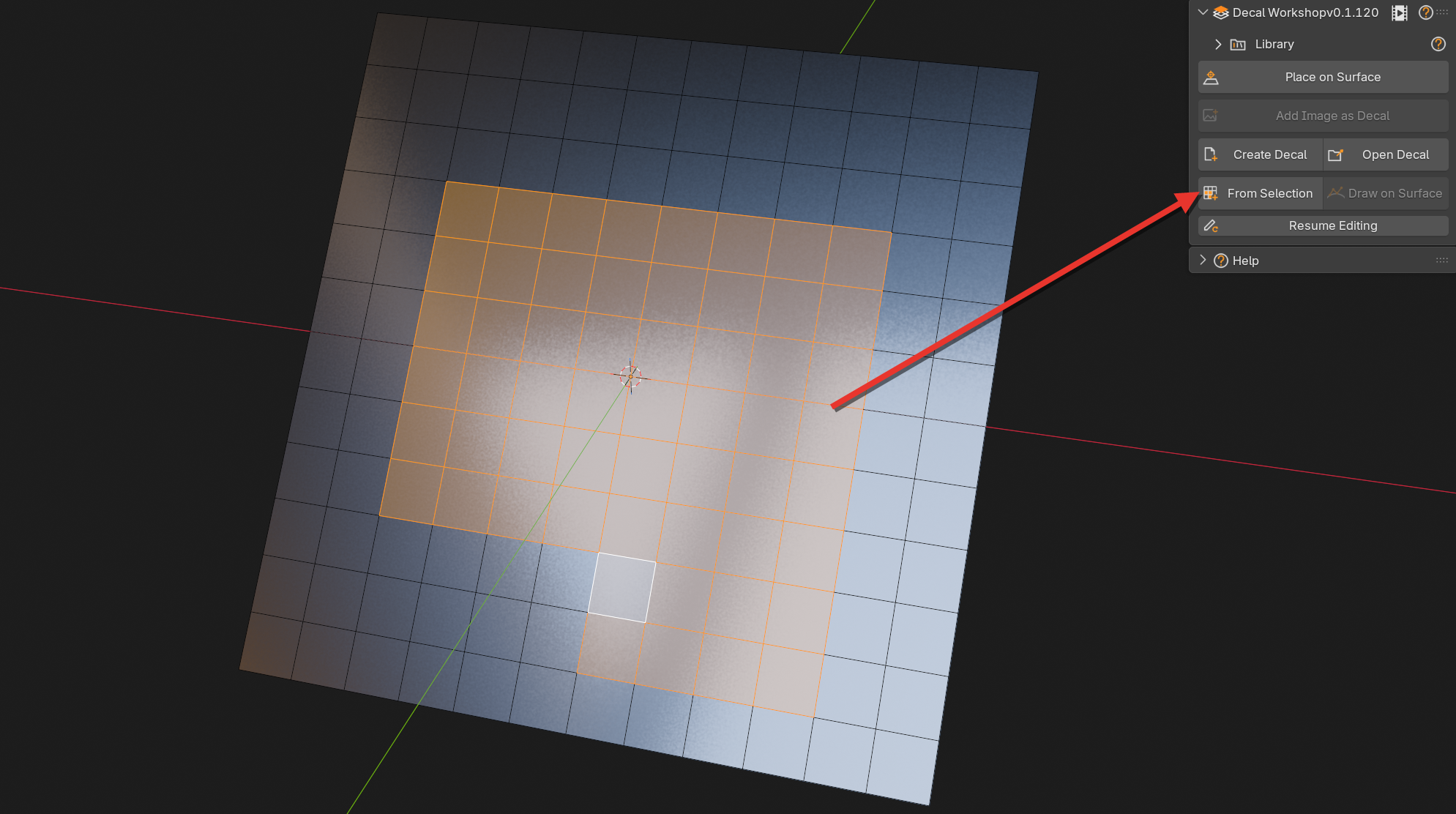
A new decal scene is created and anchored to your object. Its canvas is the unwrapped pattern of your selection, and you land in the decal's face view.
Object Mode
In Object Mode, the tool reuses the selection stored on the mesh.
Faces or edges
| Selection | Result |
|---|---|
| Faces | Filled panels. Holes inside the selection are cut out |
| Edges | Grooves along the selected edges |
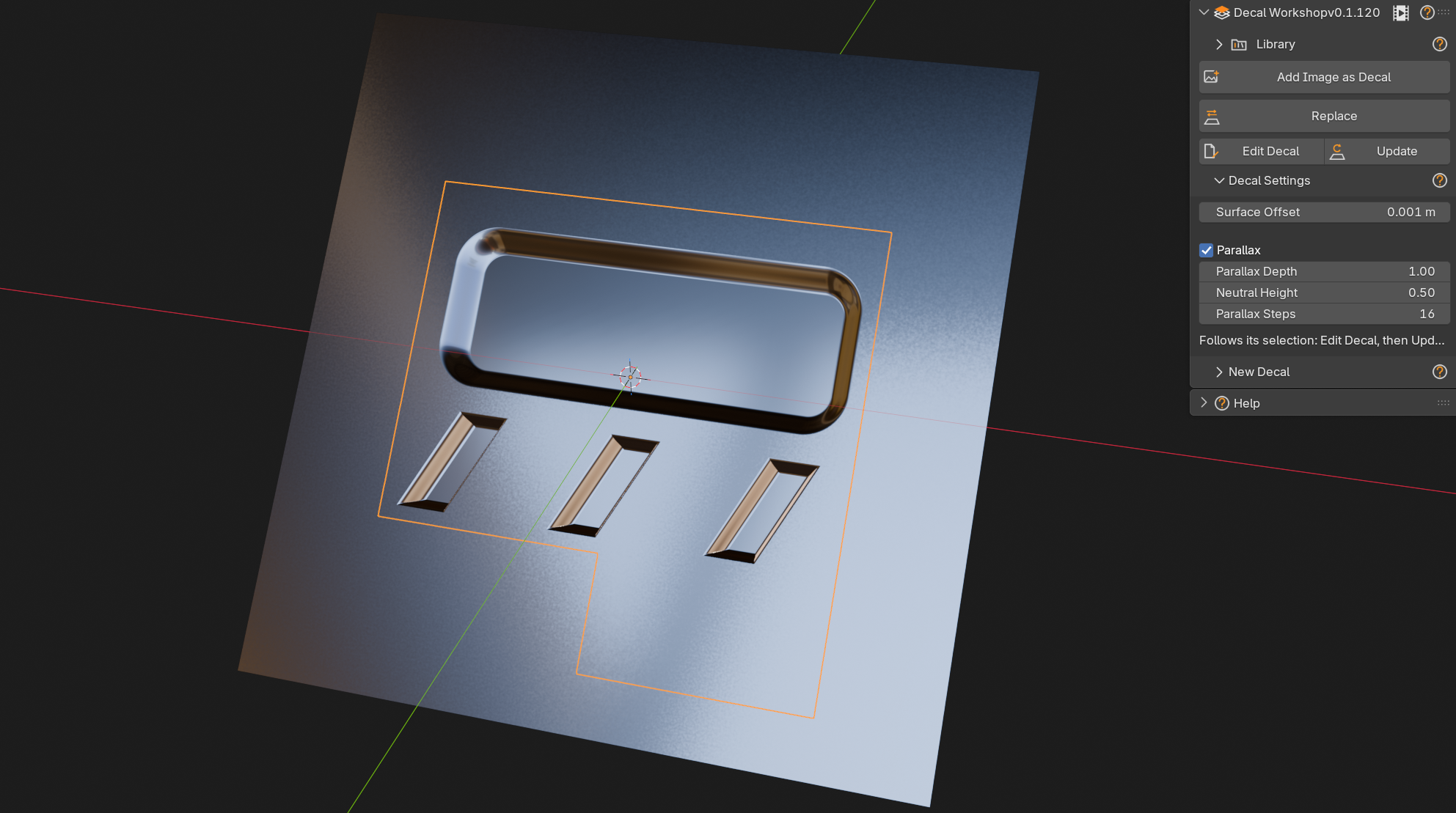
Margin
The Margin sets the empty border around your selection on the canvas.
- Default value: 0.05, range 0 to 0.5.
- Change it in Adjust Last Operation (the panel at the bottom left of the viewport, right after running the tool).
What you can do next
From the Selection Pattern box that appears in the sidebar you can:
- Show the pattern overlay and change its opacity.
- Rotate the whole canvas by quarter turns.
- Add more paths with Draw on Surface.
- Put the decal back on its selection with Place on Selection.
Meanwhile you can draw and edit shapes on the canvas as usual, see Drawing Shapes.
Warnings and limits
Decal Workshop shows a warning when the unwrap is not clean.
Overlapping or stretched unwrap
If the selection overlaps itself or is strongly stretched on the canvas, a warning appears. On cylinders and rings, mark a seam (Edit Mode > Edge > Mark Seam) so the surface can unfold flat, then run the tool again.
- Outlines of more than 32 points per path are simplified.
- A selection that has no usable outline cannot be converted.
Error messages
| Message | What to do |
|---|---|
| Select faces or edges | Select at least one face or edge in Edit Mode |
| The selected edges touch no face | Select edges that belong to at least one face |
| The selection has no usable outline | Choose a different selection |
Cylinders and rings
A band of faces around a cylinder has no flat unwrap. Mark a seam along its length first.